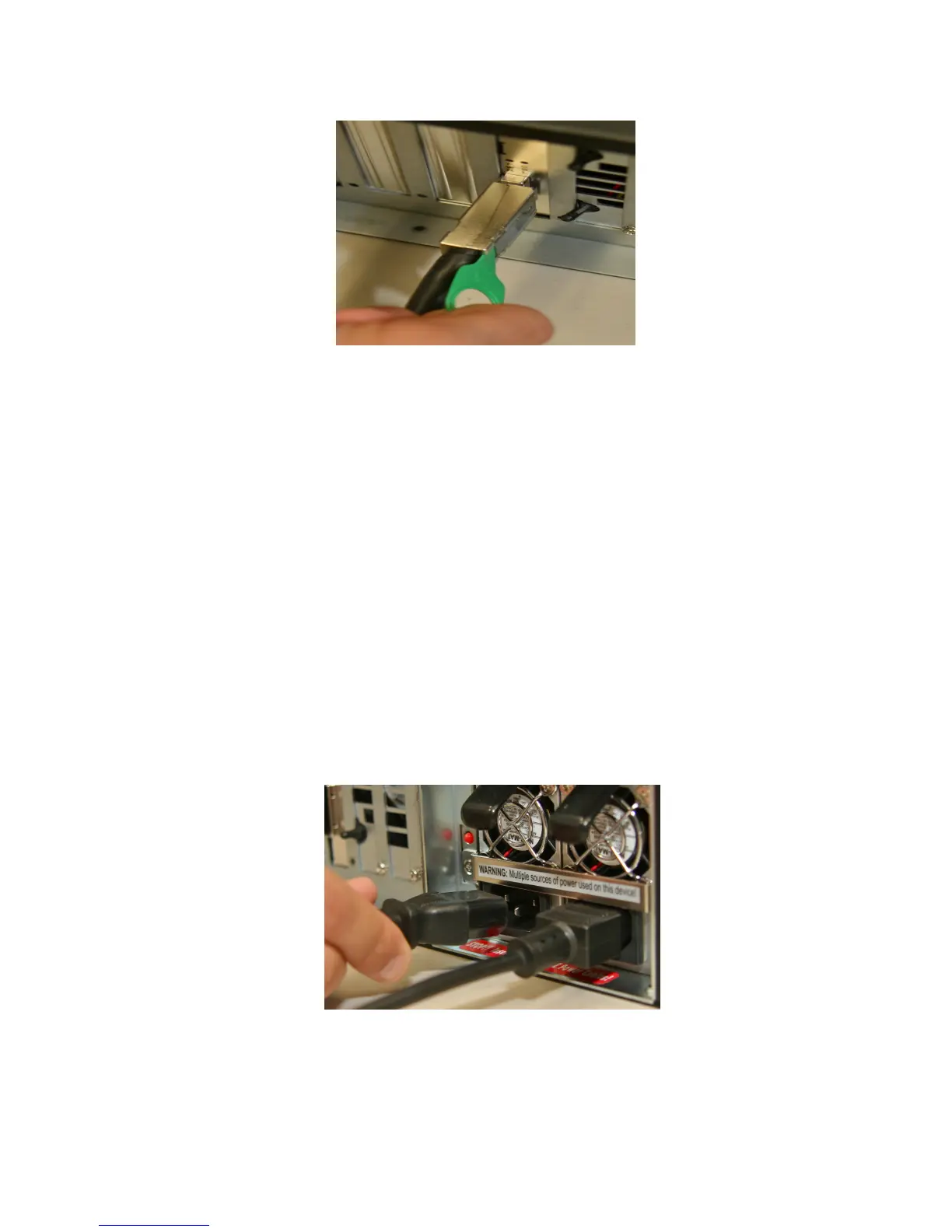
Figure 117: PCI-Express Cable Plugged into ShowVault
• Plug one CAT5 cable end into the top AES slot (RJ-45 connector) for audio channels 1-
8.
• Plug the other end of the CAT5 cable in the audio processor.
• Take another CAT5 cable end and plug it into the bottom AES slot (RJ-45 connector) for
audio channels 9-16.
• Plug the other end of the CAT5 cable in the audio processor.
• Plug one CAT5 cable end from the GPI slot into which ever automator is available or
required.
• Take another CAT5 cable and plug it from the GPO slot into which ever automator is
available or required.
• Connect both power cables into the ShowVault.
Figure 118: Power Cables Connected to the ShowVault
_____________________________________________________________________________________
SHV.OM.001293.DRM Page 111 Version 1.3
Doremi Cinema LLC Confidential



 To Next Page