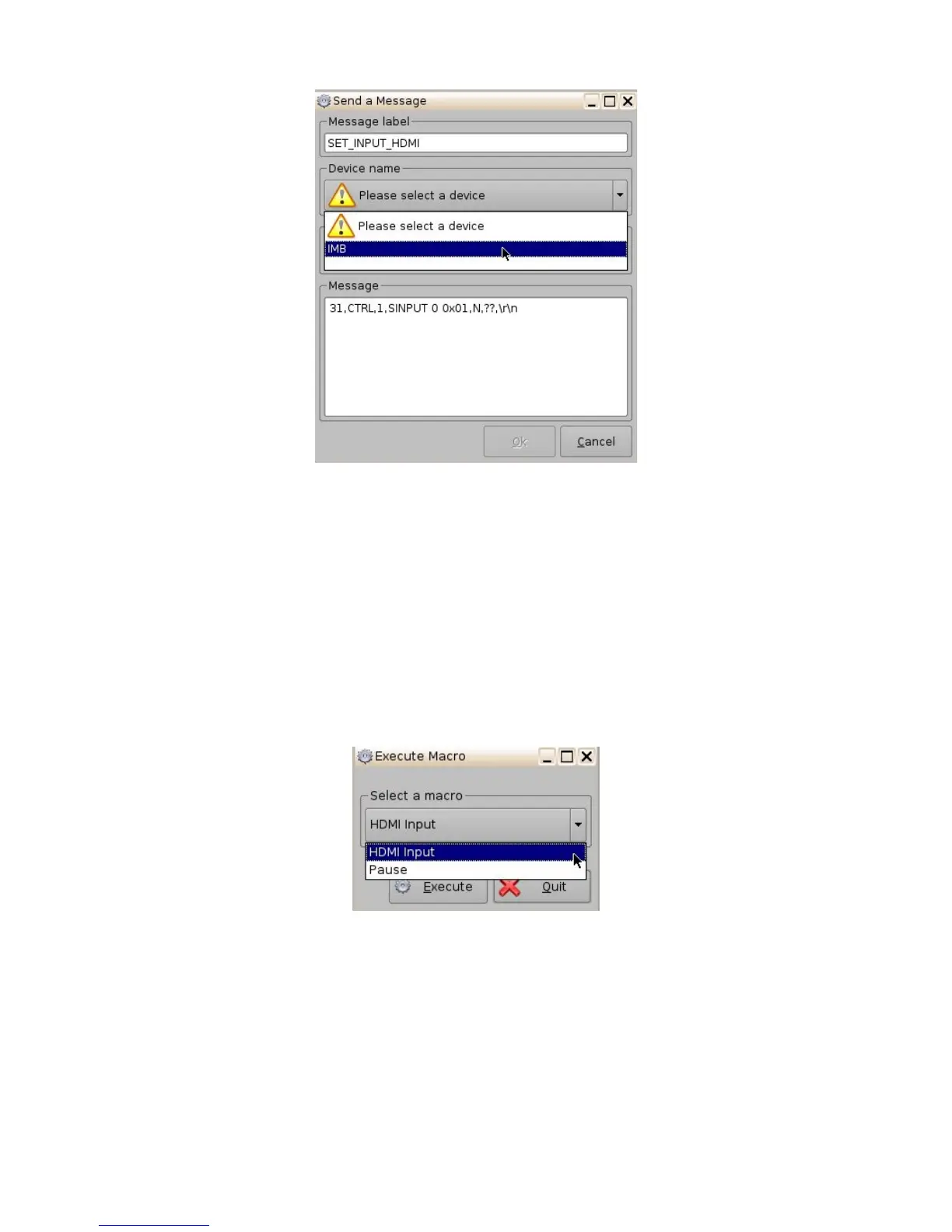
Figure 40: Send a Message Window
• Each input should have its own macro created.
• Once all 3 input macros have been created click on the "Save" button.
• Enter the appropriate username and password.
• Click the "Quit" button when finished to exit the program.
• Now each macro can be used to change the video source.
• Click on "Menu" and scroll to "Doremi Apps." Then select "Macro Execution."
• Each macro should be available in the drop-down list. Select the input desired and click
"Execute". The following window will appear:
Figure 41: Send a Message Window
• A message stating that the macro was created successfully should appear: Click "Ok."
_____________________________________________________________________________________
SHV.OM.001293.DRM Page 40 Version 1.3
Doremi Cinema LLC Confidential



 To Next Page