Vigor3900 Series User’s Guide
139
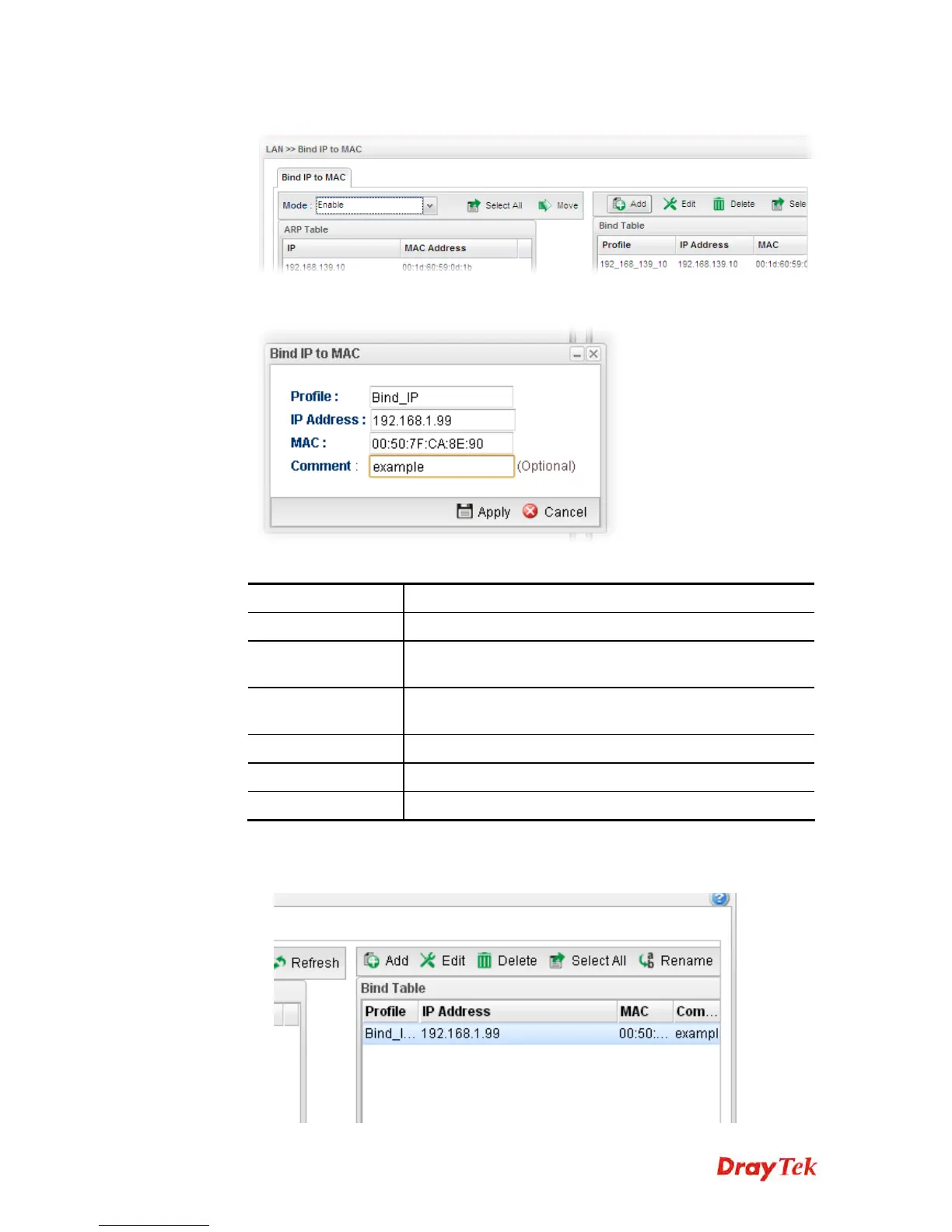
3. Click Add.
4. The following dialog appears.
Available parameters are listed as follows:
Item Description
Profile
Type the name of the profile.
IP Address
Type the IP address that will be used for the specified MAC
address.
MAC
Type the MAC address that is used to bind with the assigned
IP address.
Comment
Type a brief description for such profile.
Apply
Click it to save and exit the dialog.
Cancel
Click it to exit the dialog without saving anything.
5. Enter all the settings and click Apply.
6. A new profile has been added onto Bind Table.














 To Next Page