Vigor3900 Series User’s Guide
488
4
4
.
.
1
1
8
8
C
C
e
e
n
n
t
t
r
r
a
a
l
l
M
M
a
a
n
n
a
a
g
g
e
e
m
m
e
e
n
n
t
t
(
(
S
S
w
w
i
i
t
t
c
c
h
h
)
)
Vigor router can manage lots of VigorSwitch devices connected to it. Through profile and
group settings, the administrator can execute firmware/configuration backup, restore for
VigorSwitch device, reboot the device or return to factory default settings of VigorSwitch at
one time. Before using such menu, please enable External Devices Auto Discovery on
External Devices first.
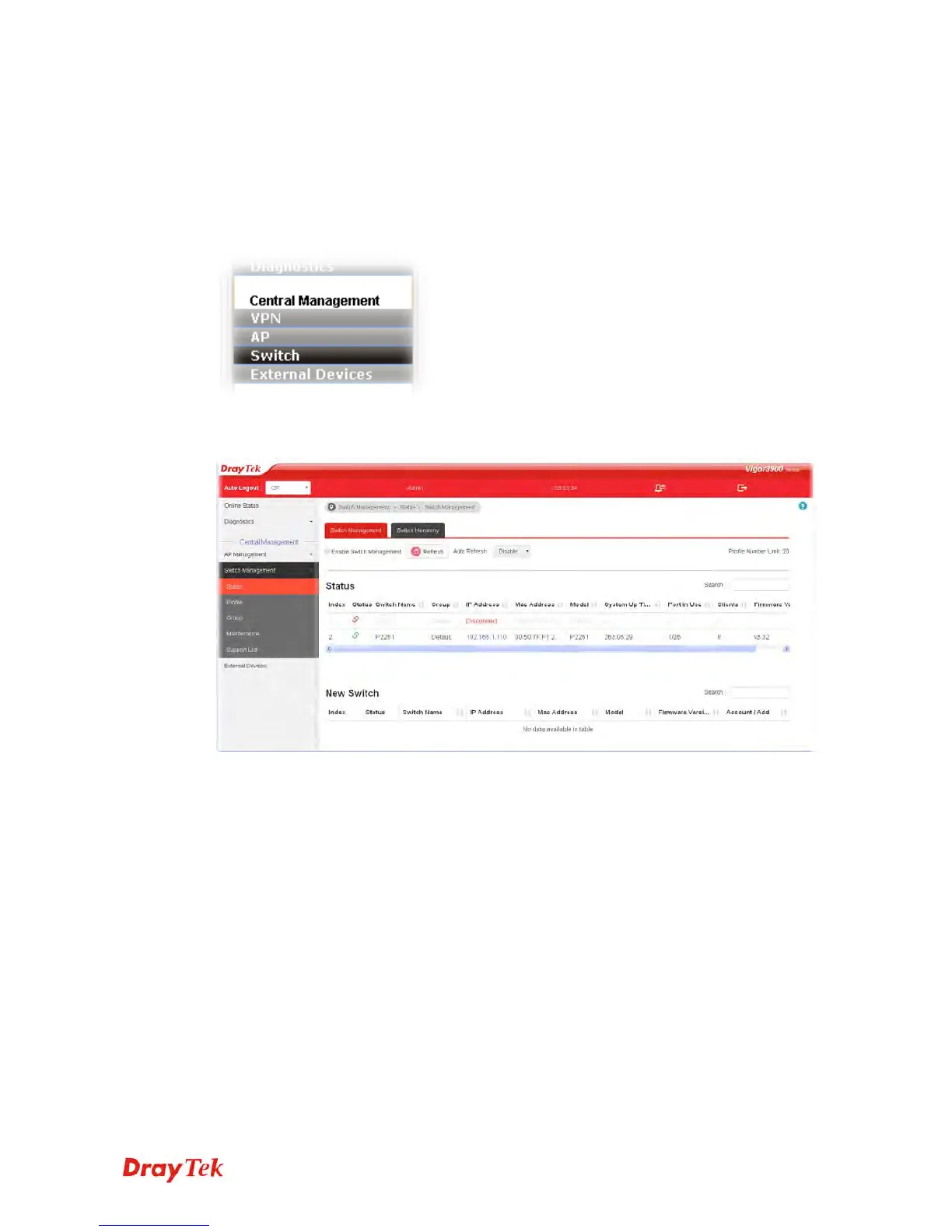
Click Central Management>>Switch to open configuration pages in new designed web
pages. They are suitable and easy to browse on network for PC users and mobile users.
Menu items related to Switch are Status, Profile, Group, Maintenance and Support List.
4
4
.
.
1
1
8
8
.
.
1
1
S
S
t
t
a
a
t
t
u
u
s
s
4
4
.
.
1
1
8
8
.
.
1
1
.
.
1
1
S
S
w
w
i
i
t
t
c
c
h
h
M
M
a
a
n
n
a
a
g
g
e
e
m
m
e
e
n
n
t
t
Such page displays information, including Group, Switch name, IP address, model, System
Up Time, Port in Use, Clients, and Firmware Version of VigorSwitch connected to
Vigor3900 series.
VigorSwitch listed below Status means the switch is managed by Viogr3900; a VigorSwitch
listed below New Switch means it is not managed by Vigor3900 yet.














 To Next Page