Vigor3900 Series User’s Guide
508
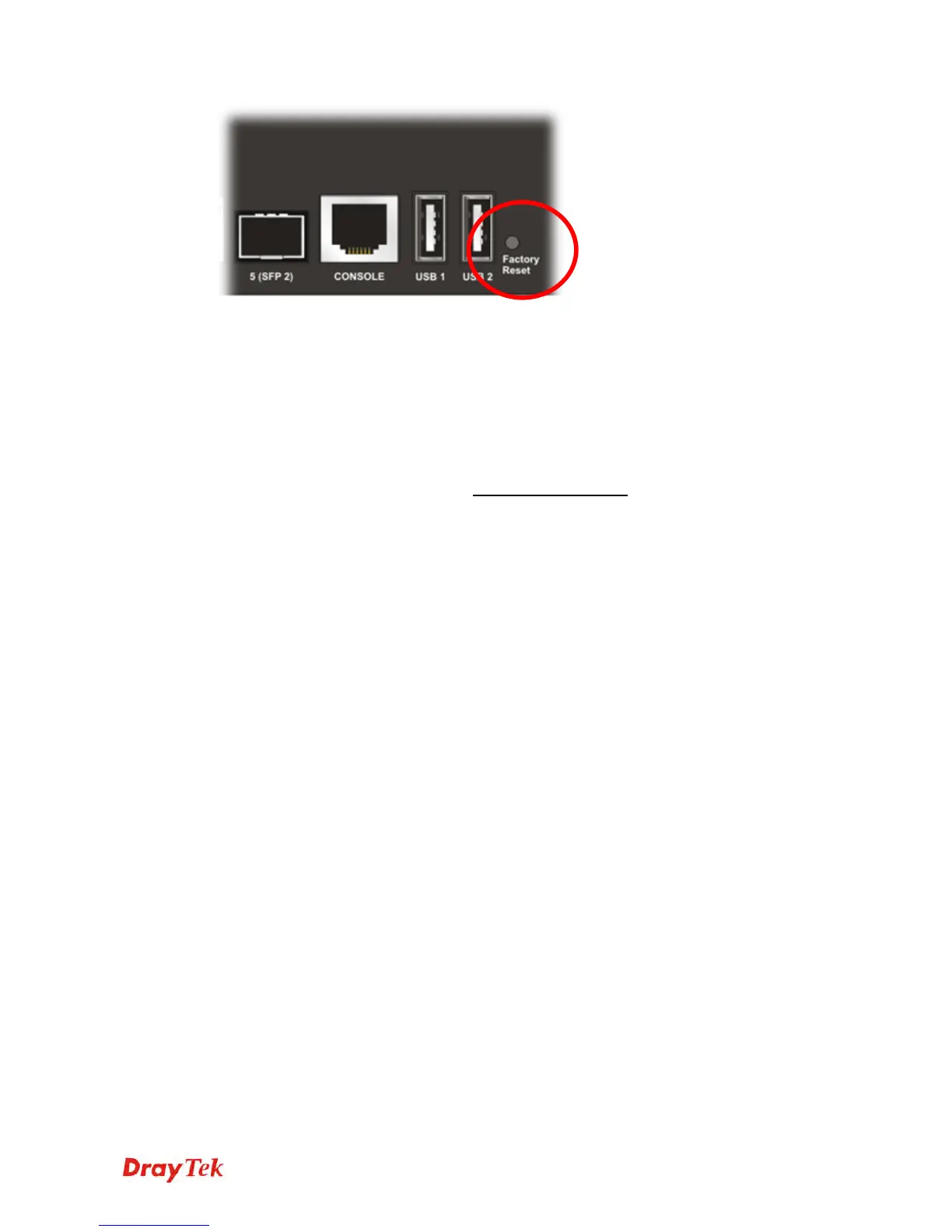
After restore the factory default setting, you can configure the settings for the router again to
fit your personal request.
5
5
.
.
6
6
C
C
o
o
n
n
t
t
a
a
c
c
t
t
i
i
n
n
g
g
D
D
r
r
a
a
y
y
T
T
e
e
k
k
If the router settings are correct at all, and the router still does not connect to internet, please
contact your ISP technical support representative to help you for configuration.
Also, if the router still cannot work correctly, please contact your dealer for help. For any
further questions, please send e-mail to support@draytek.com.














 To Previous Page