Vigor3900 Series User’s Guide
384
4
4
.
.
1
1
1
1
.
.
3
3
O
O
n
n
l
l
i
i
n
n
e
e
U
U
s
s
e
e
r
r
S
S
t
t
a
a
t
t
u
u
s
s
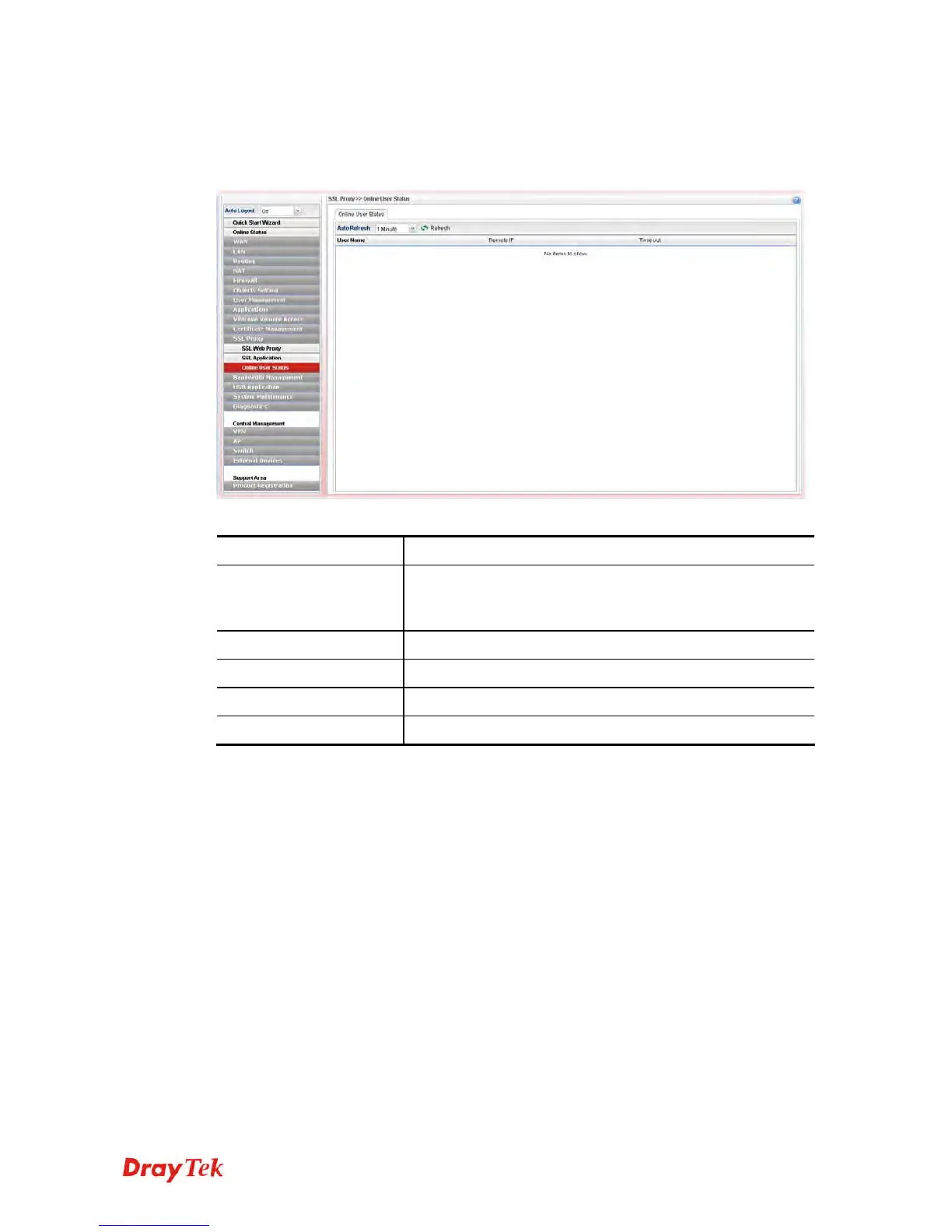
If you have finished the configuration of SSL Web Proxy (server), users can find out
corresponding settings when they access into DrayTek SSL VPN portal interface.
Each item will be explained as follows:
Item Description
Auto Refresh
Specify the interval of refresh time to obtain the latest
status. The information will update immediately when the
Refresh button is clicked.
Refresh
Renew current web page.
User Name
Display current user who visit SSL VPN server.
Remote IP
Display the IP address for the host.
Time out
Display the time remaining for logging out.














 To Next Page