Vigor3900 Series User’s Guide
448
4
4
.
.
1
1
5
5
.
.
5
5
S
S
e
e
s
s
s
s
i
i
o
o
n
n
T
T
a
a
b
b
l
l
e
e
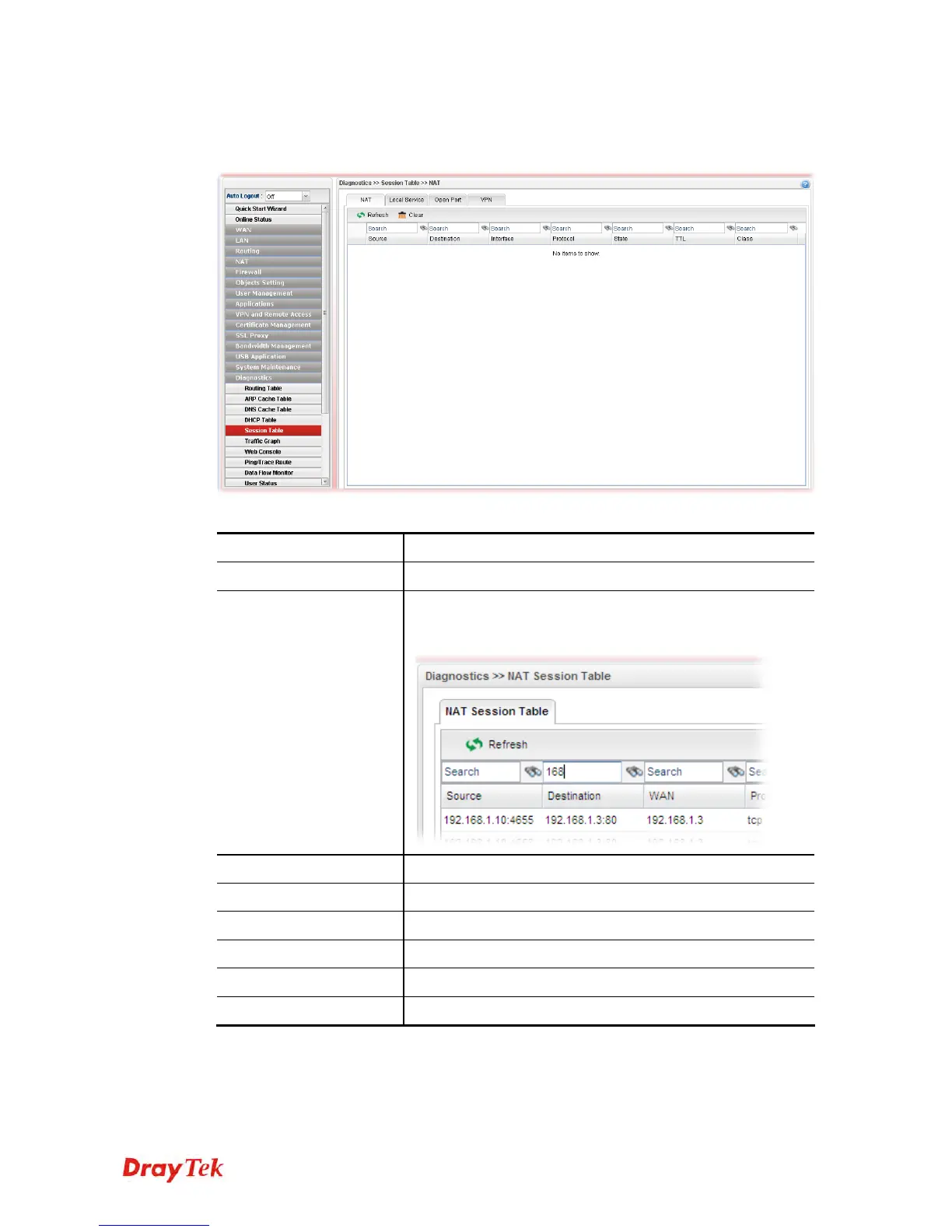
This table can display about 30000 sessions with 20 pages.
Each item will be explained as follows:
Item Description
Refresh
Renew the web page.
Search
Move the mouse cursor onto the box of Search. Click the
mouse button and type the keyword inside the box. The
system will display the records relating to the keyword.
Source
Display the source IP address and port of local PC.
Destination
Display the destination IP address and port of remote host.
WAN
Display the WAN IP address of the router.
Protocol
Display the protocol of such NAT session used.
State
Display the actual state of the TCP connection.
TTL
Display how long the conntrack entry has to live.














 To Next Page