Vigor3900 Series User’s Guide
446
4
4
.
.
1
1
5
5
.
.
4
4
D
D
H
H
C
C
P
P
T
T
a
a
b
b
l
l
e
e
The facility provides information on IP address assignments. This information is helpful in
diagnosing network problems, such as IP address conflicts, etc.
4
4
.
.
1
1
5
5
.
.
4
4
.
.
1
1
D
D
H
H
C
C
P
P
T
T
a
a
b
b
l
l
e
e
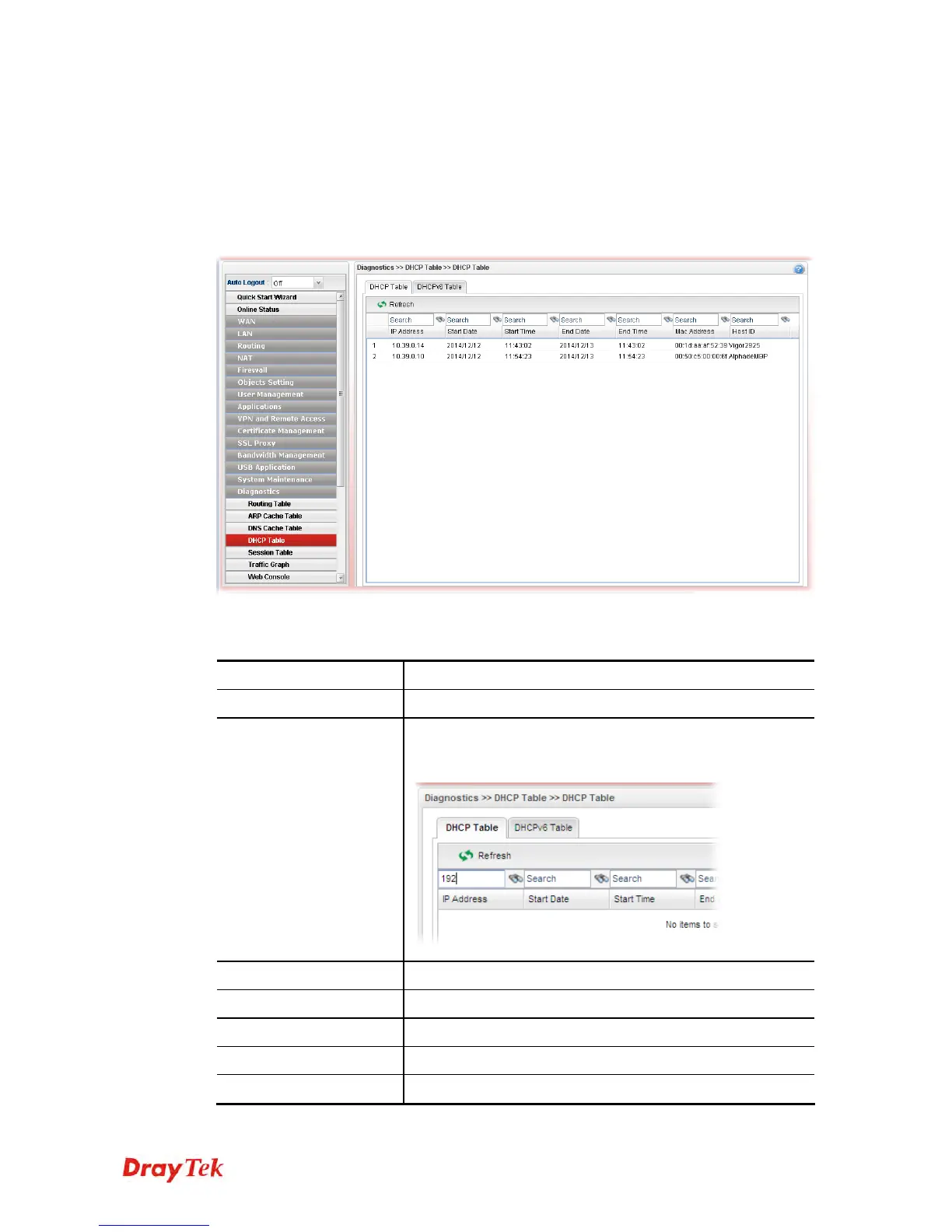
Click Diagnostics and click DHCP Table to open the web page.
Each item will be explained as follows:
Item Description
Refresh
Renew the web page.
Search
Move the mouse cursor onto the box of Search. Click the
mouse button and type the keyword inside the box. The
system will display the records relating to the keyword.
IP Address
Display the IP address of the static DHCP server.
Start Date
Display the starting date that DHCP server is activated.
Start Time
Display the starting time that DHCP server is activated.
End Date
Display the end date that DHCP server is closed.
End Time
Display the end time that DHCP server is closed.














 To Next Page