Vigor3900 Series User’s Guide
467
4
4
.
.
1
1
6
6
.
.
2
2
.
.
3
3
M
M
a
a
p
p
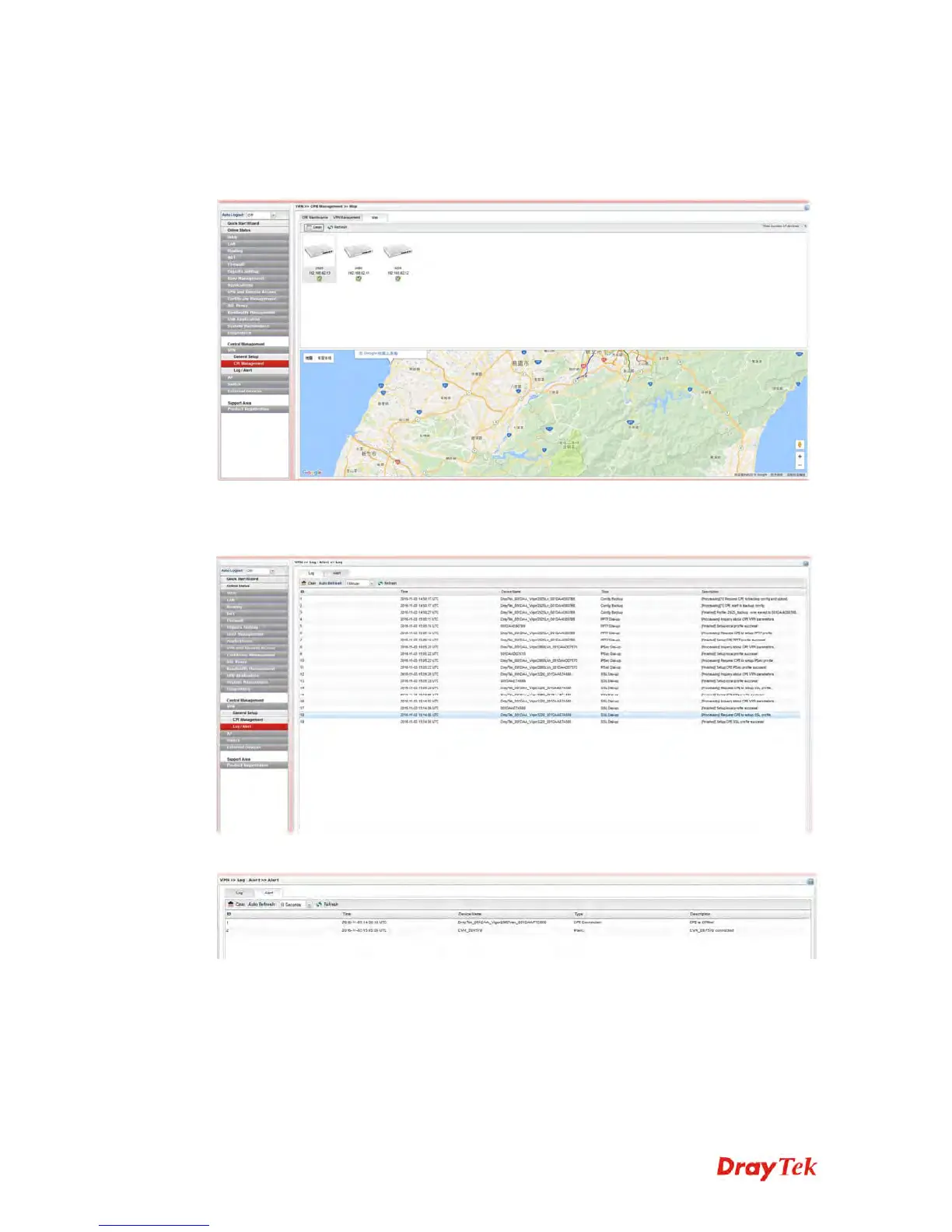
To display the location of the selected CPE with a bird’s eye view, open Central
Management>>VPN>>CPE Management and click the tab of Map.
4
4
.
.
1
1
6
6
.
.
3
3
L
L
o
o
g
g
/
/
A
A
l
l
e
e
r
r
t
t
The Log page offers brief information to identify the CPE connected to Vigor3900.
The Alert page offers brief information to identify the CPE connected to Vigor3900.














 To Next Page