Vigor3900 Series User’s Guide
340
4
4
.
.
9
9
.
.
3
3
R
R
e
e
m
m
o
o
t
t
e
e
A
A
c
c
c
c
e
e
s
s
s
s
C
C
o
o
n
n
t
t
r
r
o
o
l
l
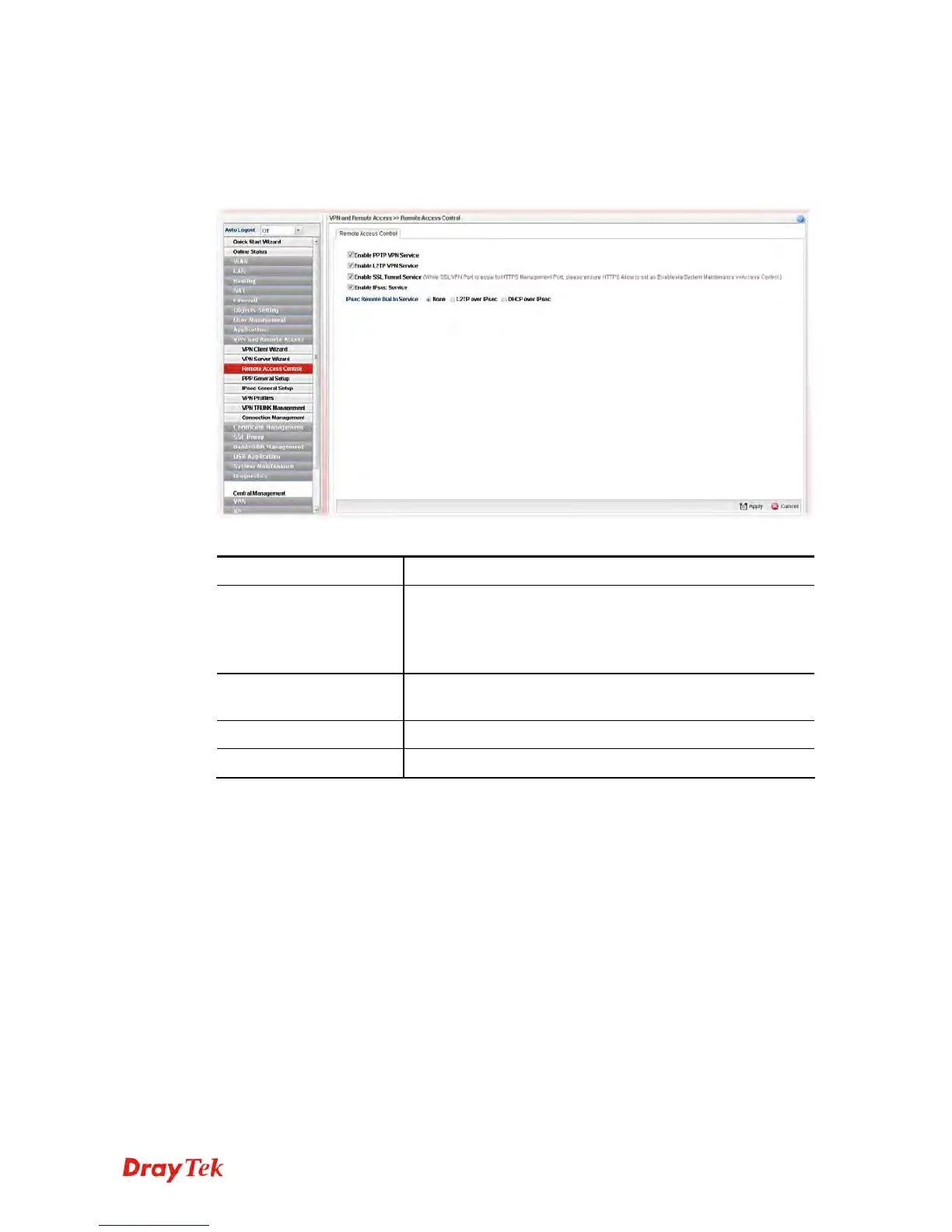
Enable the necessary VPN service as you need. If you intend to run a VPN server inside your
LAN, you should disable the VPN service (e.g., PPTP VPN, L2TP VPN, SSL VPN, IPsec
etc.) of Vigor Router to allow VPN tunnel pass through.
Available parameters are listed as follows:
Item Description
Enable PPTP/L2TP
VPN Service /
Enable SSL Tunnel
/IPsec Service
Check the box(es) to enable the service.
IPSec Remote Dial-In
Service
Choose one of the services by clicking on the radio button.
Apply
Click it to save the configuration.
Cancel
Click it to discard the settings configured in this page.














 To Next Page