Vigor3900 Series User’s Guide
339
packets via VPN connection.
Disable – Disable such function. It is default setting.
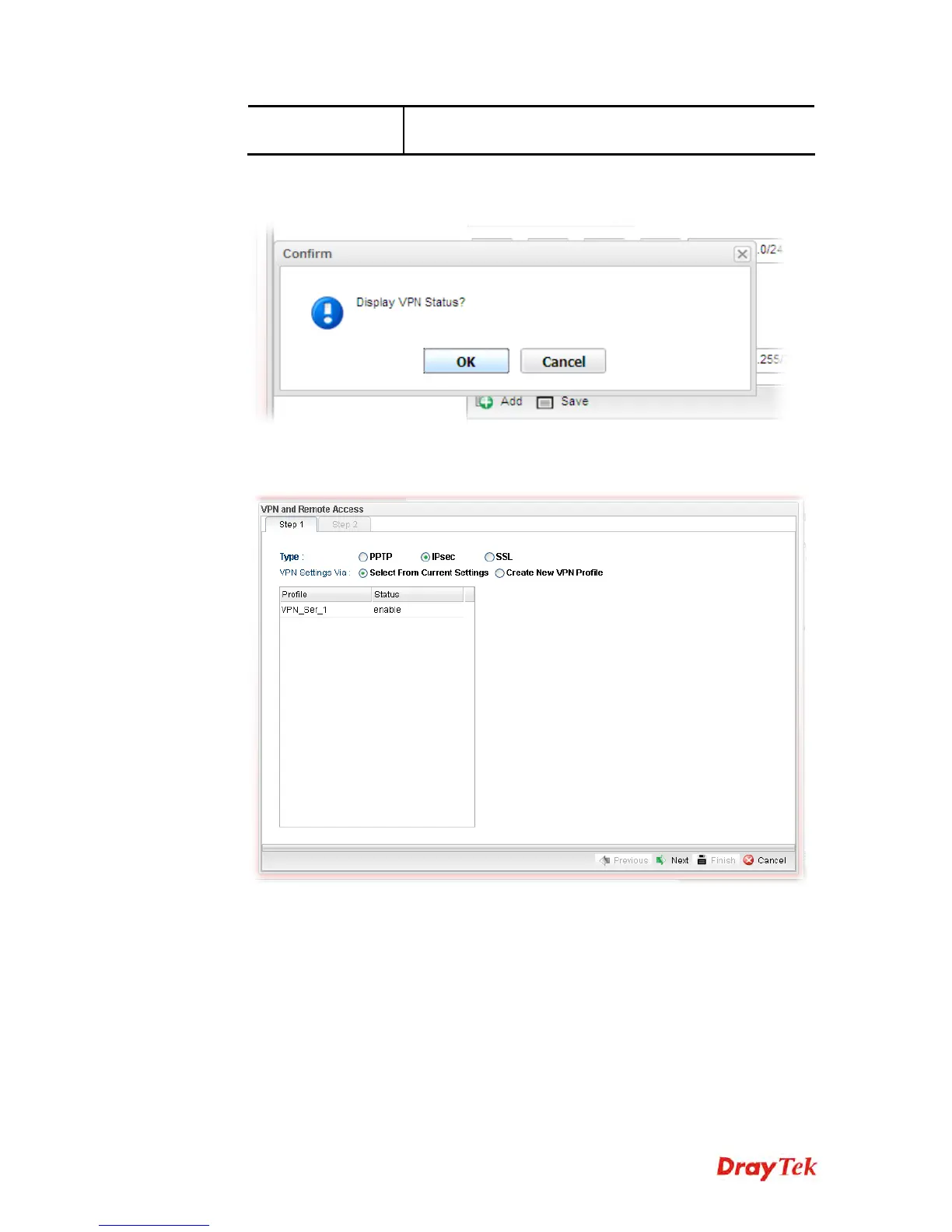
4. Fill in the required information on this page and click Finish. A pop-up window will
appear.
5. Click OK. Then, return to VPN and Remote Access>>VPN Server Wizard. The new
added VPN server profile will be displayed on the screen.














 To Next Page