Vigor3900 Series User’s Guide
310
4
4
.
.
8
8
.
.
5
5
U
U
P
P
n
n
P
P
The UPnP (Universal Plug and Play) protocol is supported to bring to network connected
devices the ease of installation and configuration which is already available for directly
connected PC peripherals with the existing Windows 'Plug and Play' system. For NAT
routers, the major feature of UPnP on the router is “NAT Traversal”. This enables
applications inside the firewall to automatically open the ports that they need to pass through
a router. It is more reliable than requiring a router to work out by itself which ports need to
be opened. Further, the user does not have to manually set up port mappings or a DMZ.
UPnP is available on Windows XP and the router provide the associated support for MSN
Messenger to allow full use of the voice, video and messaging features.
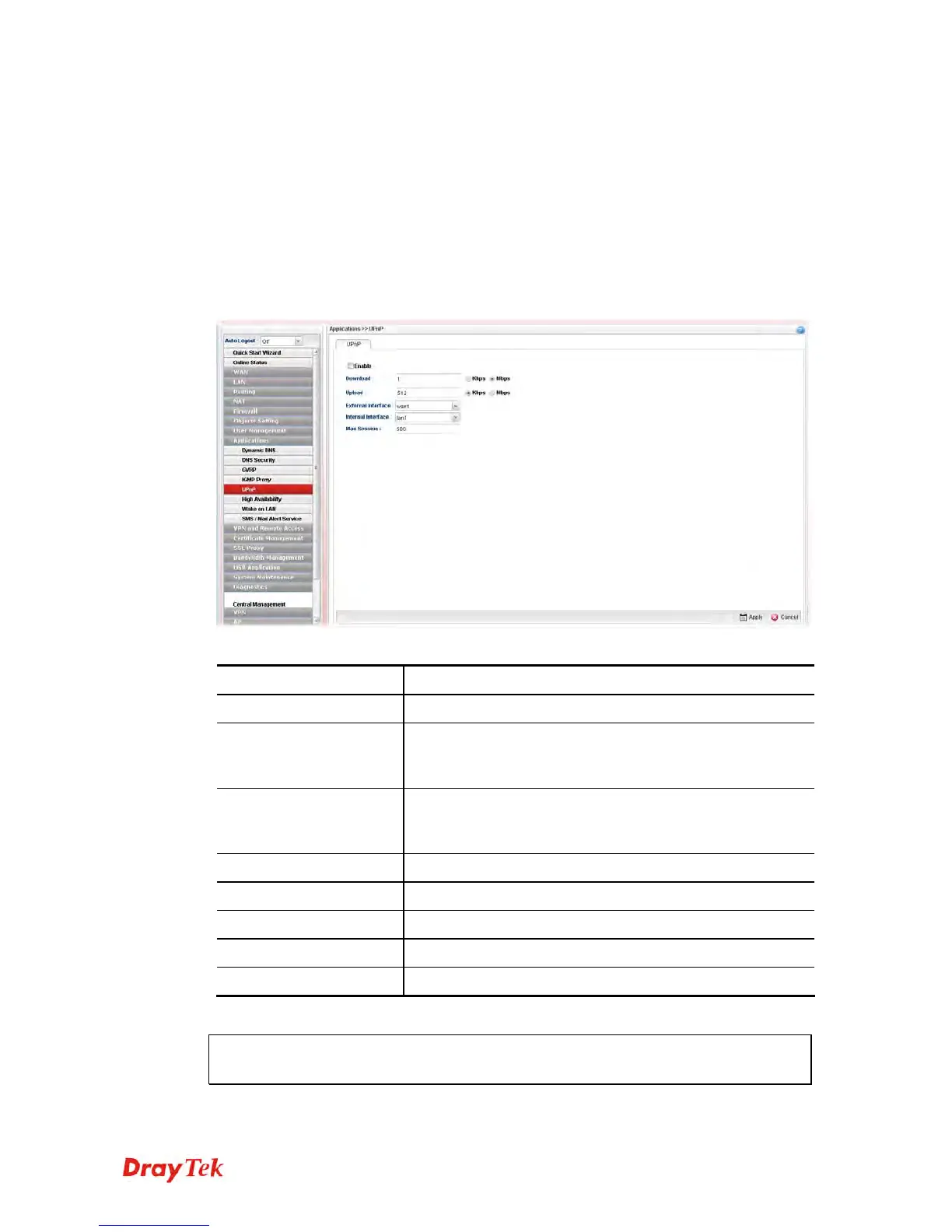
Available parameters are listed as follows:
Item Description
Enable
Check this box to enable UPnP function.
Download
Enter the maximum sustained WAN download speed in
kilobits/second. Such information can be requested by UPnP
clients.
Upload
Enter the maximum sustained WAN upload speed in
kilobits/second. Such information can be requested by UPnP
clients.
External Interface
Select a WAN profile for UPnP protocol.
Internal Interface
Select a LAN profile for UPnP protocol.
Max Session
Determine the maximum session number for UPnP function.
Apply
Click it to save the configuration.
Cancel
Click it to discard the settings configured in this page.
The reminder as regards concern about Firewall and UPnP
Can't work with Firewall Software














 To Next Page