Vigor3900 Series User’s Guide
108
4
4
.
.
1
1
.
.
3
3
S
S
w
w
i
i
t
t
c
c
h
h
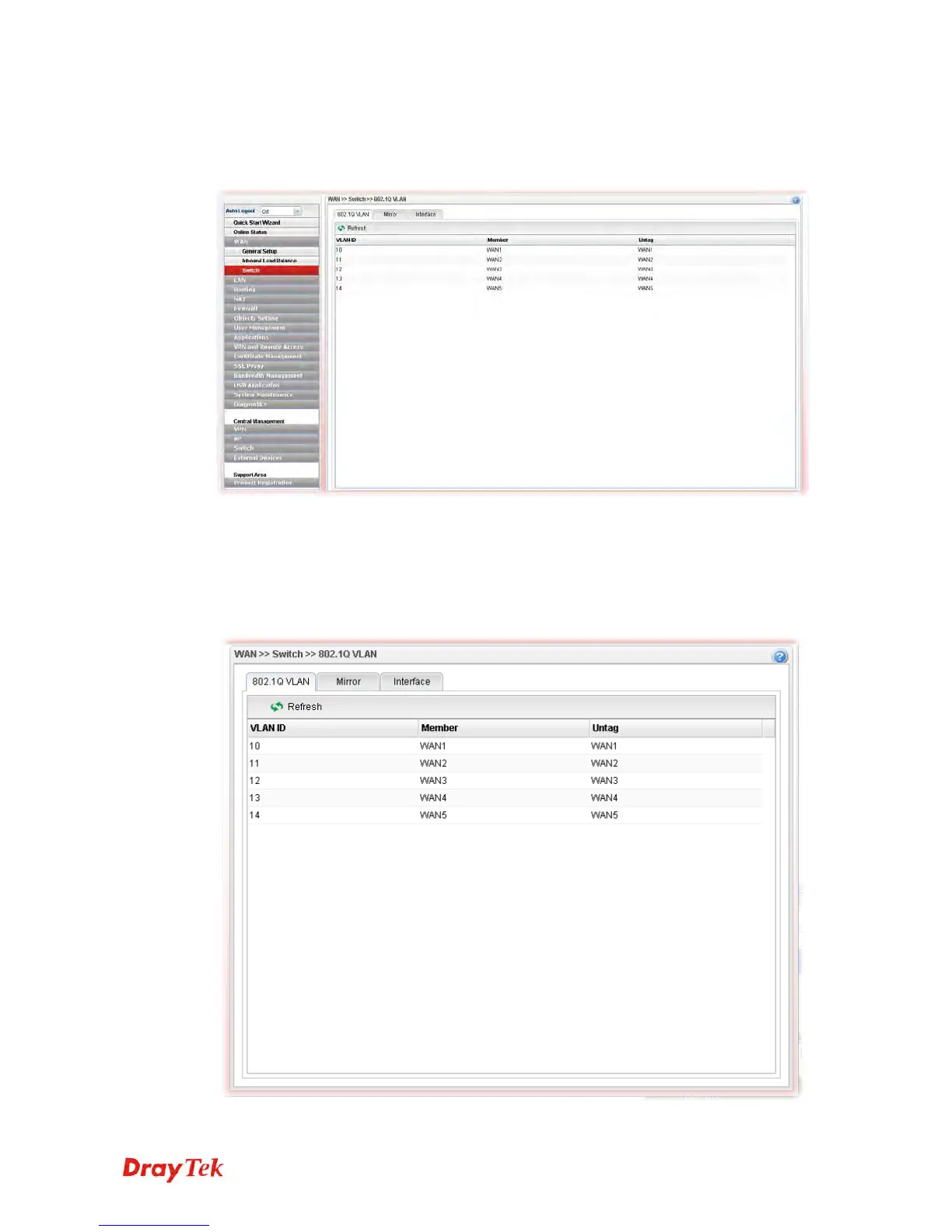
This page allows you to configure Mirroring Port, Mirrored Port, enable/disable WAN
interface, and configure 802.1Q VLAN ID for different WAN interfaces, and so on.
4
4
.
.
1
1
.
.
3
3
.
.
1
1
8
8
0
0
2
2
.
.
1
1
Q
Q
V
V
L
L
A
A
N
N
Packets passing through the WAN interface might be tagged or untagged with VLAN ID
number. It depends on the setting configured in this page for VLAN ID configured in WAN
>>General Setup>>Profile relates to the VLAN ID setting configured here.
This page simply displays current status of 802.1Q VALN setting profiles.














 To Next Page