Vigor3900 Series User’s Guide
176
Item Description
Refresh
Renew current web page.
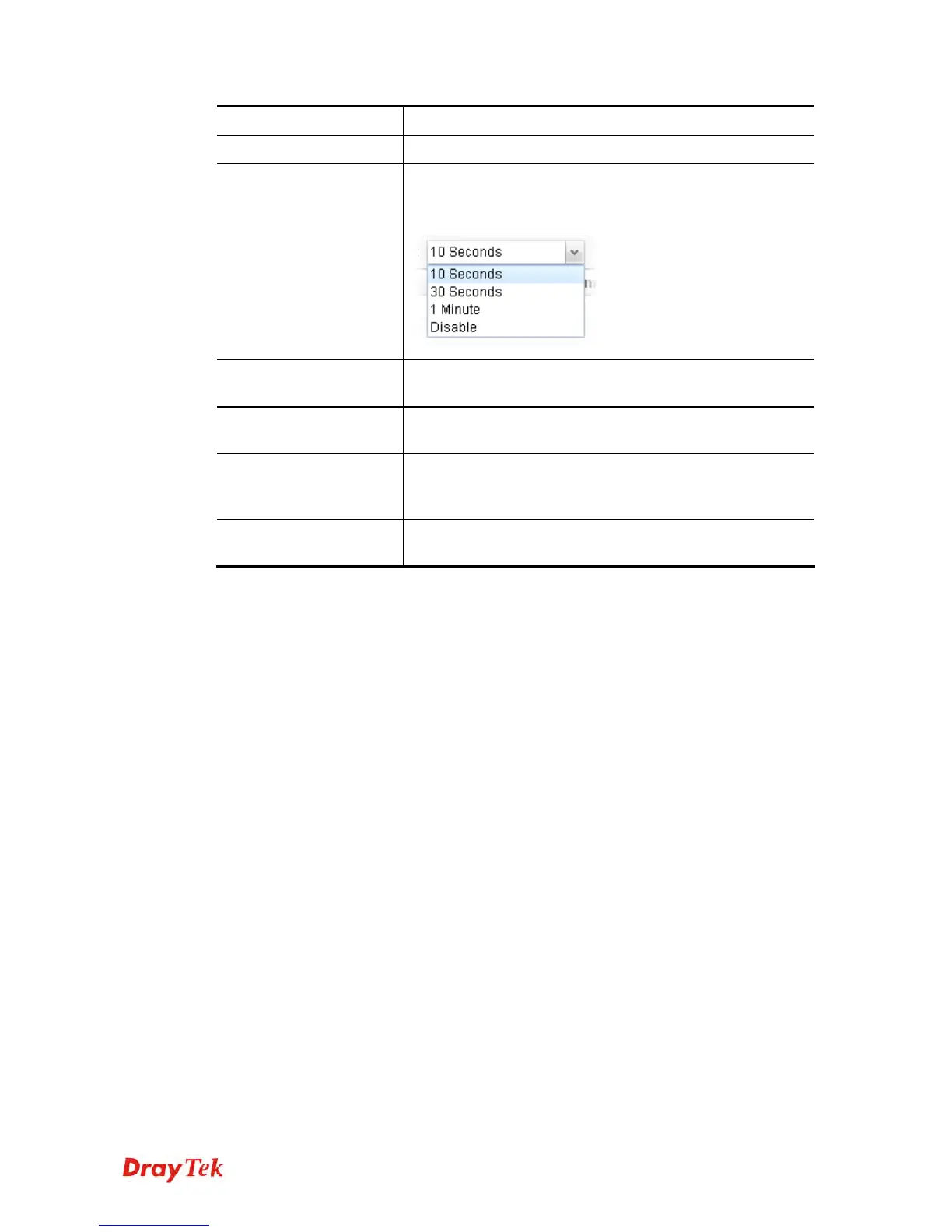
Auto Refresh
Specify the interval of refresh time to obtain the latest status.
The information will update immediately when the Refresh
button is clicked.
BGP Neighbor
Display the neighbor profile name configured successfully in
the Neighbor tab in Routing >>BGP configuration.
Neighbor IP
Display the neighbor IP address configured successfully in
the Neighbor tab in Routing >>BGP configuration.
Neighbor AS
Display the autonomous system number of the neighbor
configured successfully in the Neighbor tab in Routing
>>BGP configuration.
State
Display the status of neighbor profile. If it is established
successfully, “Established (time)” will be shown in this field.














 To Next Page