EasyManua.ls Logo

Draytek Vigor3900 - Page 197

Draytek Vigor3900
516 pages
Print Icon
To Next Page IconTo Next Page
To Previous Page IconTo Previous Page
Loading...
Vigor3900 Series User’s Guide
189
Type
Use the drop down list to choose the type(s) to apply to such
profile.
Apply
Click it to save and exit the dialog.
Cancel
Click it to exit the dialog without saving anything.
4. Enter all the settings and click Apply.
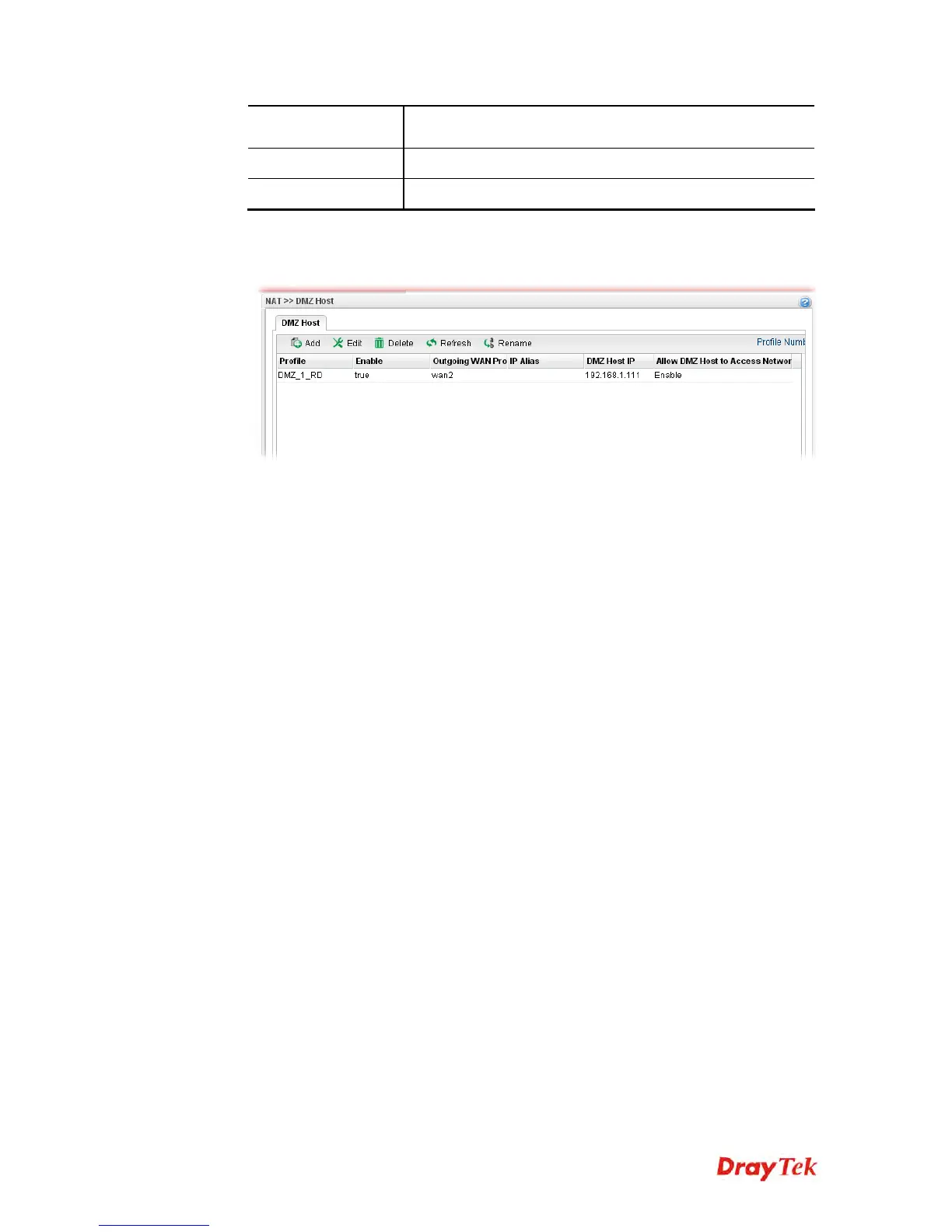
5. A new profile has been added onto DMZ Host table.

VoIPon www.voipon.co.uk sales@voipon.co.uk Tel: (0)330 088 0195 Fax: +44 (0)1245 808299

Table of Contents

Other manuals for Draytek Vigor3900

Related product manuals