Vigor3900 Series User’s Guide
12
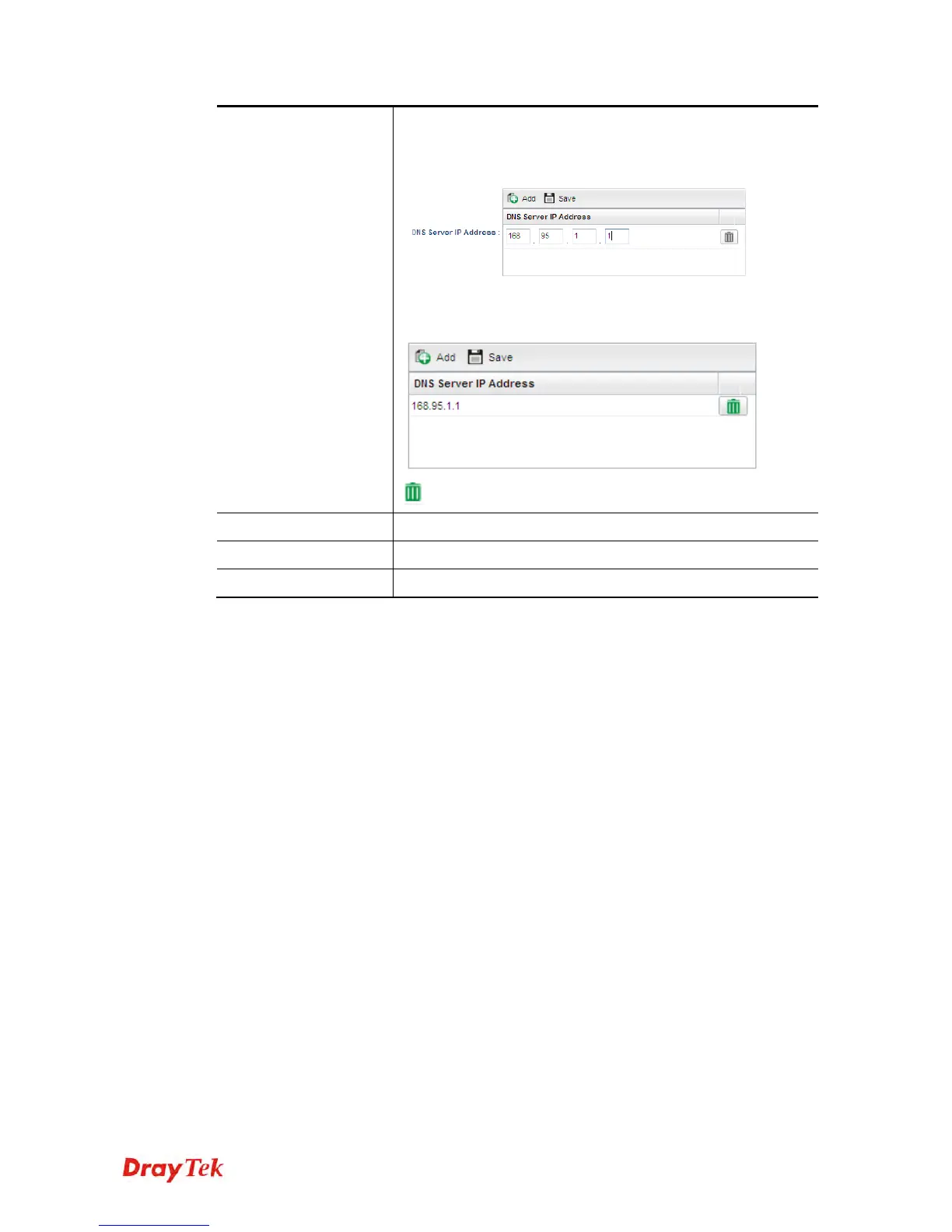
DNS Server IP
Address
Add – Click this button to display the IP address field for
adding a new IP address. Type the IP address on the tiny
boxes one by one.
Save – After finished the IP address configuration, click Save
to save the setting onto the router.
– Click the icon to remove the selected entry.
Previous
Click it to return to previous setting page.
Finish
Click it to finish the configuration.
Cancel
Click it to discard the settings configured in this page.
When you finished the above settings, please click Finish.














 To Next Page