Vigor3900 Series User’s Guide
279
Quota Reset
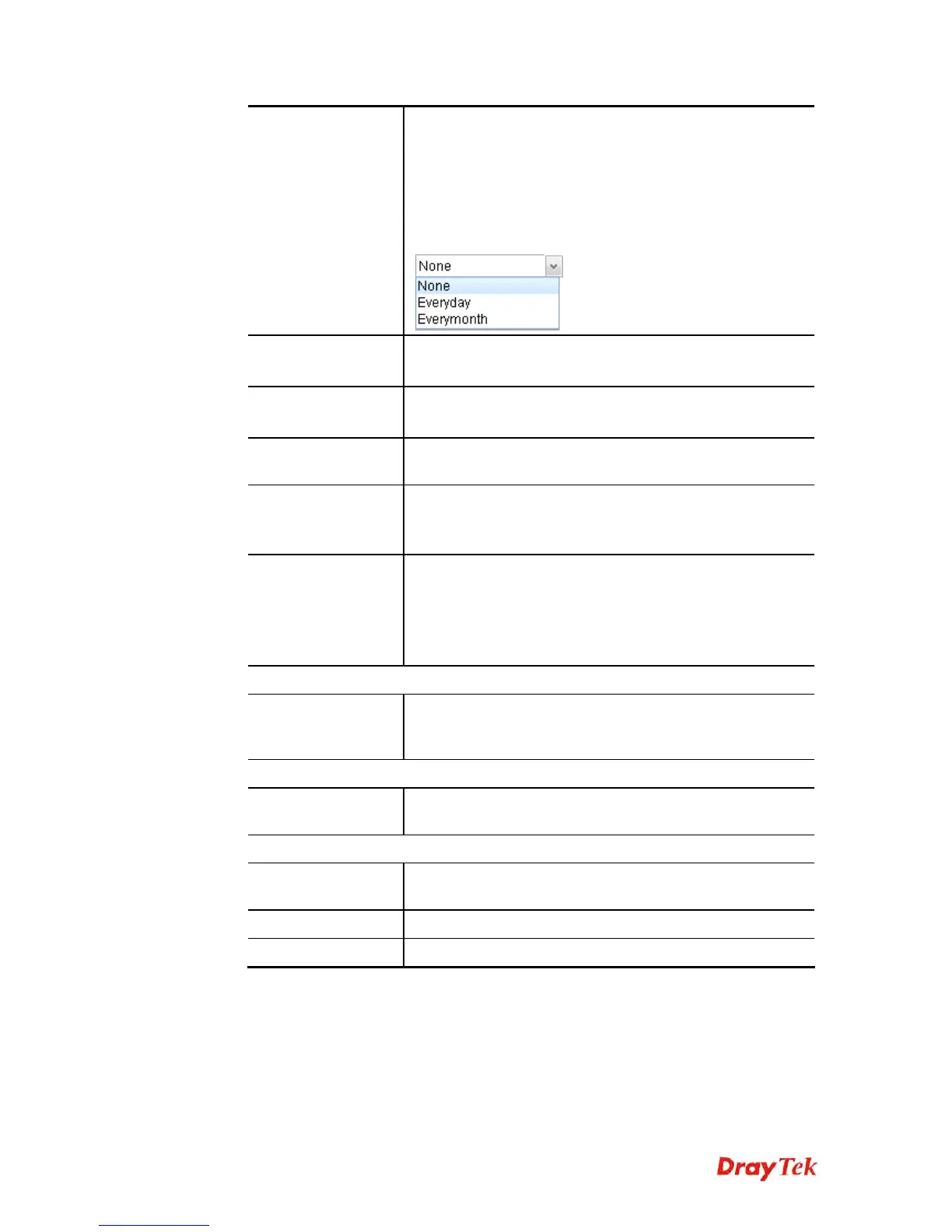
Frequency
It is used to configure the cycle time for PPPoE quota. Note
that each time when the quota is reset, the value of Current
Time Used/Current Traffic Quota will be reset to initial
situation (0).
Everyday – The quota for PPPoE will be reset every day.
Everymonth – The quota for PPPoE will be reset every
month.
Time Quota (min)
Type a time quota for PPPoE connection.
Note: The range of Time Quota is 1~14400 minutes.
Current Time Used
(min)
Display the cumulative amount of time that the user used.
Reset - Click it to reset the setting to default value (0).
Traffic Quota(MB)
It is used to set the maximum traffic (MB) for such user
profile.
Current Traffic
Quota (MB)
Display the cumulative amount of data traffic that the user
used.
Reset - Click it to reset the setting to default value (0).
MAC Binding
Specify a MAC address which is limited and used for such
PPPoE account.
Enable – Click it to enable the function.
MAC Address – If MAC Binding is enabled, simply type
the MAC address of the router in this field.
FTP/SAMBA User Setting
Allow
FTP/SAMBA
Server Login
Click Enable to allow the remote user accessing into
Internet via FTP/SAMBA server.
Radius User Setting
Allow Radius
Server Login
Click Enable to allow the remote user accessing into
Internet via Radius server.
IPsec User Setting
XAuth
Click Enable to allow the remote user accessing into
Internet via IPsec authentication.
Apply
Click it to save the configuration.
Cancel
Click it to exit the dialog without saving the configuration.
4. Enter all the settings and click Apply.
5. A new User Profile has been created.














 To Next Page