Vigor3900 Series User’s Guide
23
Go to generate target >> Time Object.
Click “+” icon to setup the time schedule.
Set profile name, frequency, data and time.
Click Apply to save.
4. Furthermore, you may enable Default Session Limit to apply session limit to all the
other unspecified LAN clients.
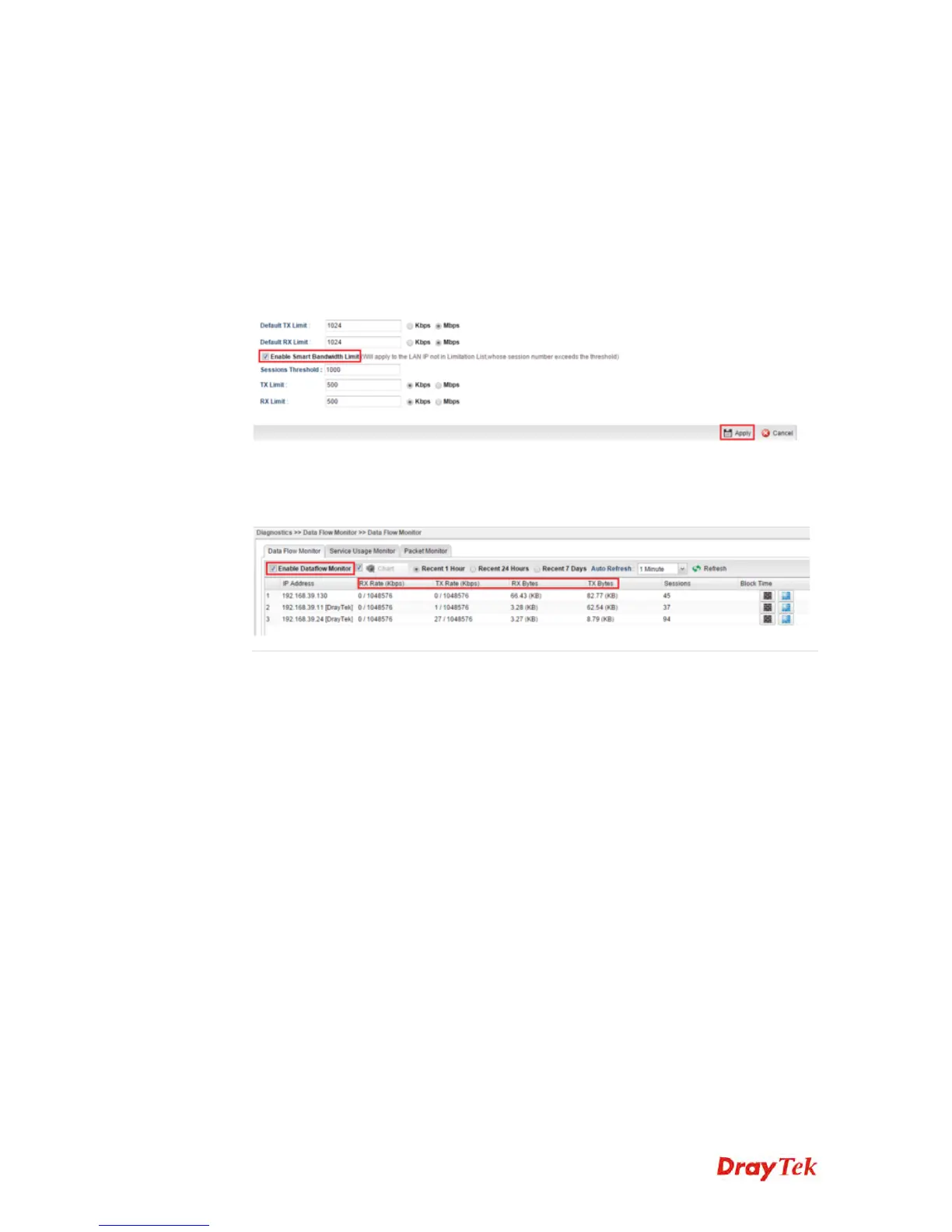
5. We can also enable Smart Bandwidth Limit to restrict the bandwidth of unspecified
LAN clients only when their session number is over the threshold.
6. Data Flow Monitor can be used to check the status of Bandwidth Limit. Go to
Diagnostics >> Data Flow Monitor and enable the monitor then we can check the
transmission rate displayed on the screen.














 To Next Page