Vigor3900 Series User’s Guide
302
4
4
.
.
8
8
.
.
1
1
.
.
1
1
S
S
t
t
a
a
t
t
u
u
s
s
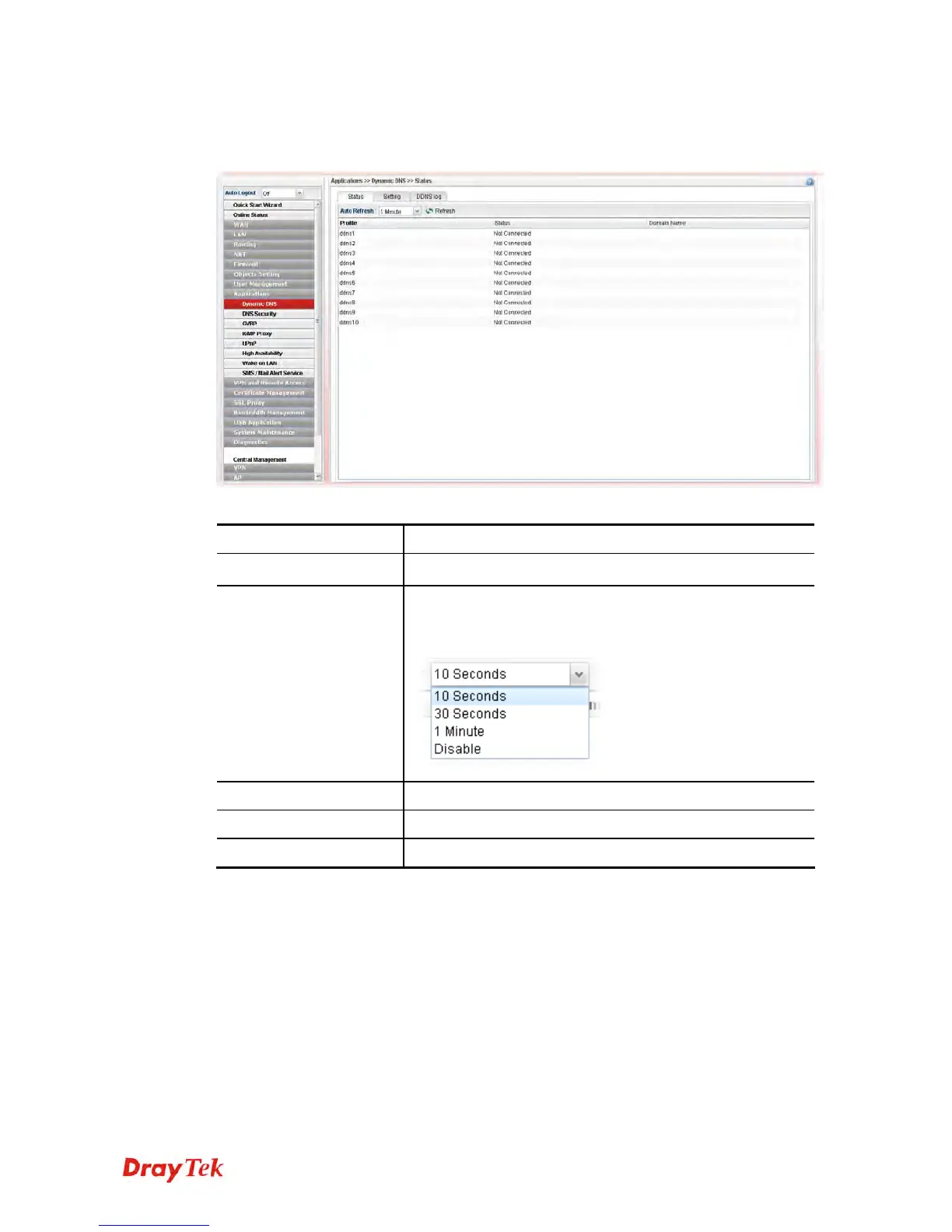
This page displays the status for all the available DDNS profiles.
Each item will be explained as follows:
Item Description
Refresh
Renew current web page.
Auto Refresh
Specify the interval of refresh time to obtain the latest
status. The information will update immediately when the
Refresh button is clicked.
Profile
Display the name of the DDNS.
Status
Display the connection status for the DDNS sever.
Domain Name
Display the domain name for the DDNS server.














 To Next Page