Vigor3900 Series User’s Guide
407
Enable
Check this box to enable such profile.
Visible
Check this box to make such profile be seen by users. If not,
the user must know and type the path of the folder name to
access into that folder.
Comment
Type any text to describe such profile if required.
Volume
Use the drop down list to specify the proper volume for the
connected USB disk.
Path
It indicates the directory name for the connected USB disk.
The default setting is “/”.
Access
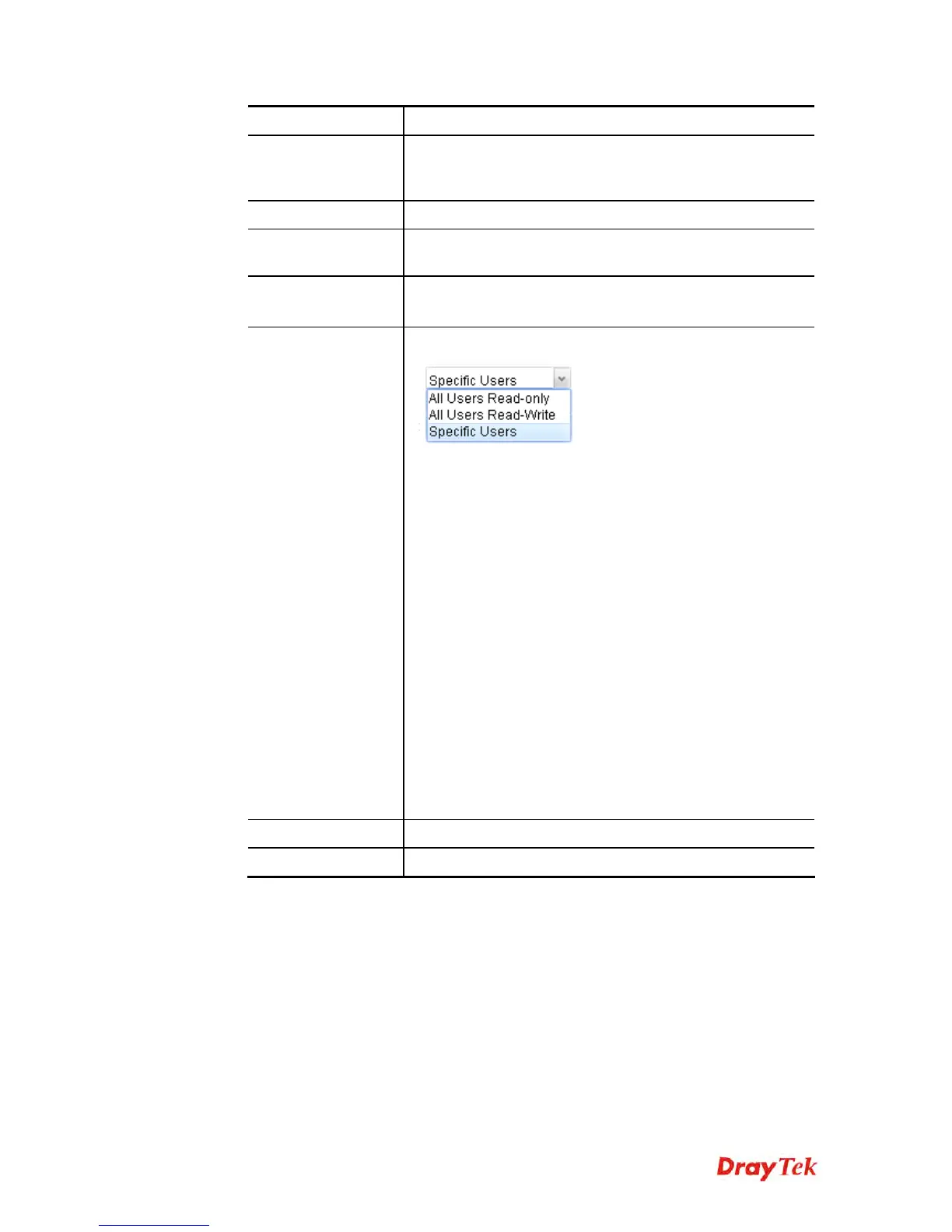
There are three options for you to specify.
All Users Read-only – Such option allows all of the users
sharing the SAMBA service to read the file stored under the
sharing folder.
All Users Read-Write – Such option allows all of the users
sharing the SAMBA service to read and write the file stored
under the sharing folder.
If Specific Users is selected, you have to additionally
specify Read-Only User and Read-Write User.
Read-Only User – User profiles (with Allow SAMBA
Server Login Enabled) created under User
Management>>User Profile will be displayed here.
Choose the one to have the right to read the file on
SAMBA folder.
Read-Write User - User profiles (with Allow SAMBA
Server Login Enabled) created under User
Management>>User Profile will be displayed here.
Choose the one to have the right to read and write the
file on SAMBA folder.
Apply
Click it to save the configuration and exit the dialog.
Cancel
Click it to exit the dialog without saving the configuration.
4. Enter all of the settings and click Apply.
5. A folder profile has been created.














 To Next Page