Vigor3900 Series User’s Guide
418
router.
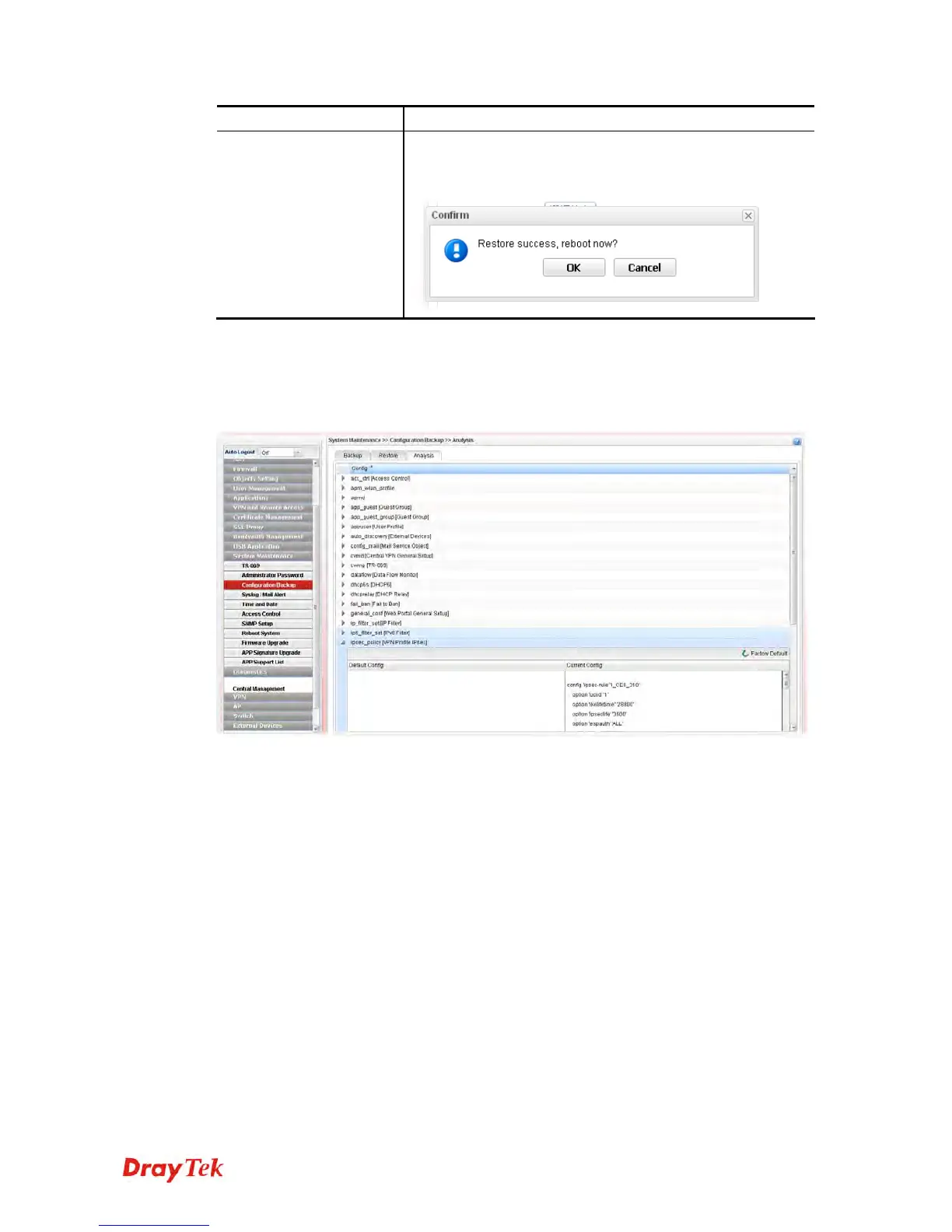
Restore
Click it to upload the selected file to the router. After
finishing the restoration, the system will ask you to reboot
the router.
4
4
.
.
1
1
4
4
.
.
3
3
.
.
3
3
A
A
n
n
a
a
l
l
y
y
s
s
i
i
s
s
Such analysis page will show user defined settings result. In comparing the default settings
with information displayed in this page, it will be convenient for administrator, user or RD
member for debug possible error.














 To Next Page