Vigor3900 Series User’s Guide
450
Item Description
operation about recent 4 weeks.
LAN
Click the LAN tab.
Network Interface – Display the information of LAN
operation.
There are three selections provided for you to specify.
Recent 24 Hours – Display the information of LAN
operation about recent 24 hours.
Recent 7 Days – Display the information of LAN operation
about recent 7 days.
Recent 4 Weeks – Display the information of LAN
operation about recent 4 weeks.
WAN
Click the WAN tab.
Network Interface – Display the information of WAN
operation.
There are three selections provided for you to specify.
Recent 24 Hours – Display the information of WAN
operation about recent 24 hours.
Recent 7 Days – Display the information of WAN
operation about recent 7 days.
Recent 4 Weeks – Display the information of WAN
operation about recent 4 weeks.
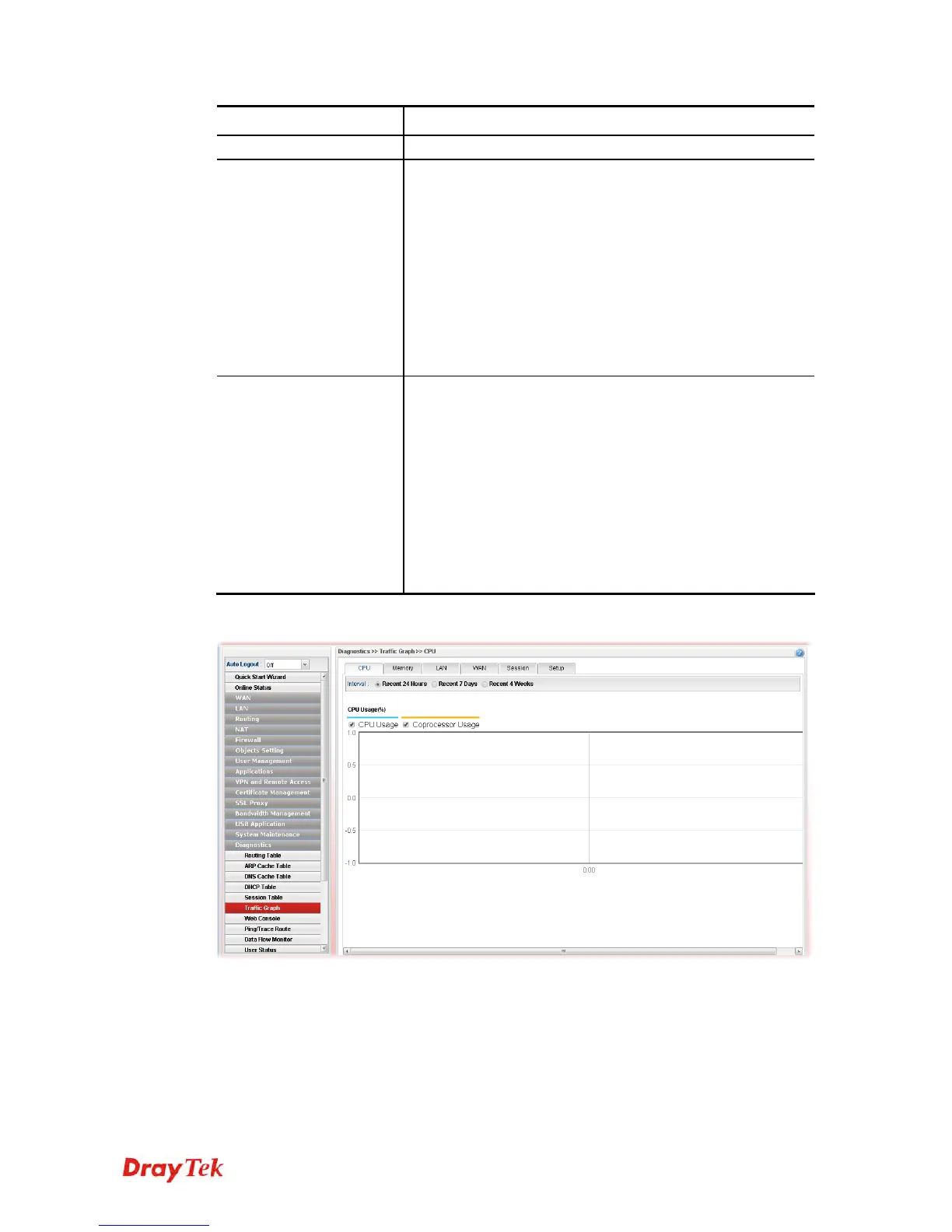
Below show a graphic for CPU:














 To Next Page