Vigor3900 Series User’s Guide
461
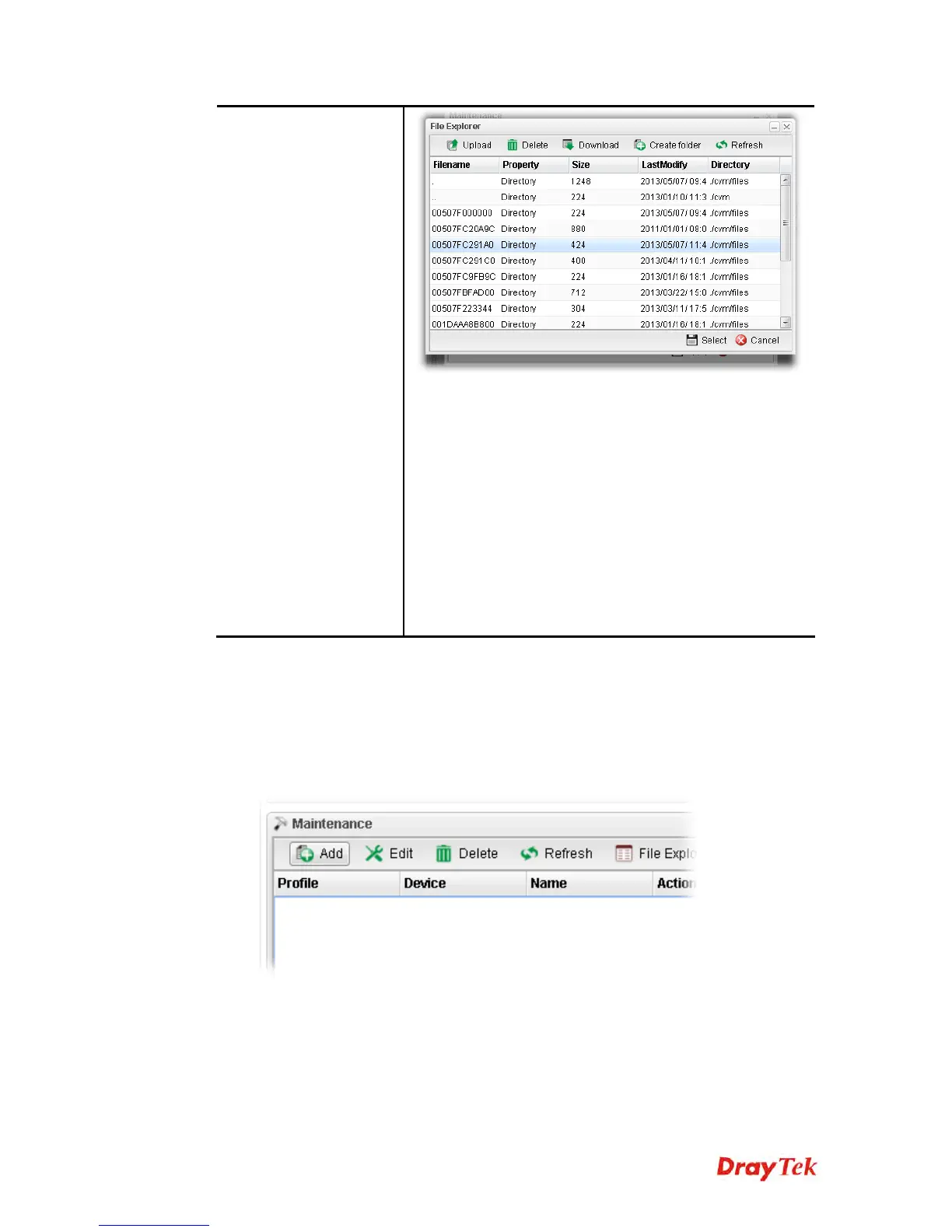
Profile – Display the name of the profile.
Device – Display the name (named by Vigor3900) of the
devices selected by such profile.
Name – Display the name (can be modified by the
administrator) of the device.
Action – Display the action specified for such profile.
Schedule – Display the frequency of for such profile which
will be performed by Vigor router.
Weekdays – Display the day(s) chosen for such profile.
Filename – Display the filename of the firmware.
Status – Display current status of the profile has been
finished or not.
Refer to sections “How to manage the CPE (router) through Vigor3900?” and “How to
upgrade CPE firmware through Vigor3900?” for more detailed information.
H
H
o
o
w
w
t
t
o
o
a
a
d
d
d
d
a
a
n
n
e
e
w
w
M
M
a
a
i
i
n
n
t
t
e
e
n
n
a
a
n
n
c
c
e
e
P
P
r
r
o
o
f
f
i
i
l
l
e
e
Follow the steps below to create a new maintenance profile.
1. Click Add from the Maintenance area.














 To Next Page