Vigor3900 Series User’s Guide
481
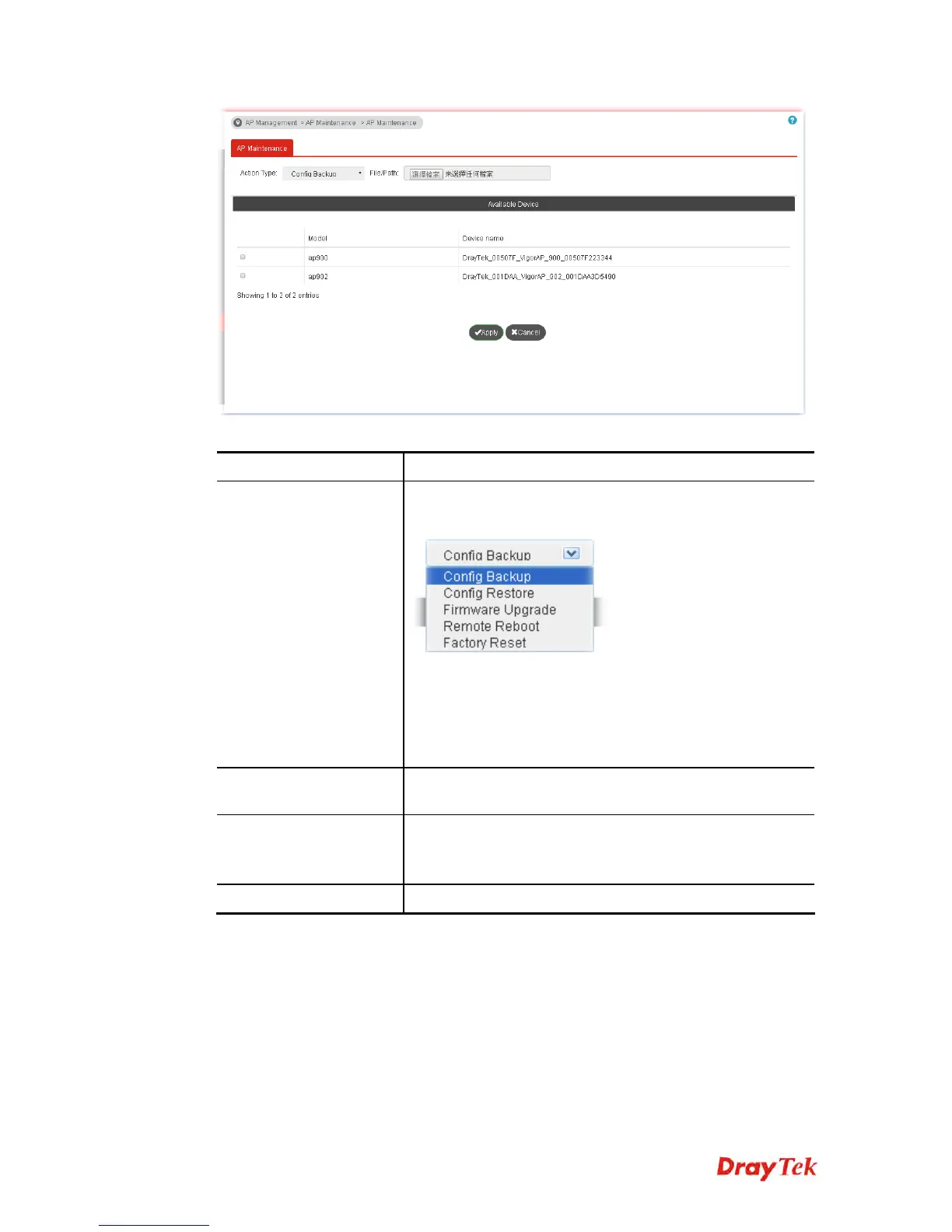
Available settings are explained as follows:
Item Description
Action Type
There are four actions provided by Vigor router to manage
the access points.
Vigor router can backup the configuration of the selected
AP, restore the configuration for the selected AP, perform
the firmware upgrade of the selected AP, reboot the
selected AP remotely and perform the factory reset for the
selected AP.
File/Path
Specify the file and the path which will be used to perform
Config Restore or Firmware Upgrade.
Available Device
Model – Display the model name connected to Vigor3900.
Device name – Display the device name of AP connected to
Vigor3900.
Apply
Click it to apply the action to the selected AP.














 To Next Page