Vigor3900 Series User’s Guide
86
Save – Click this button to save the setting.
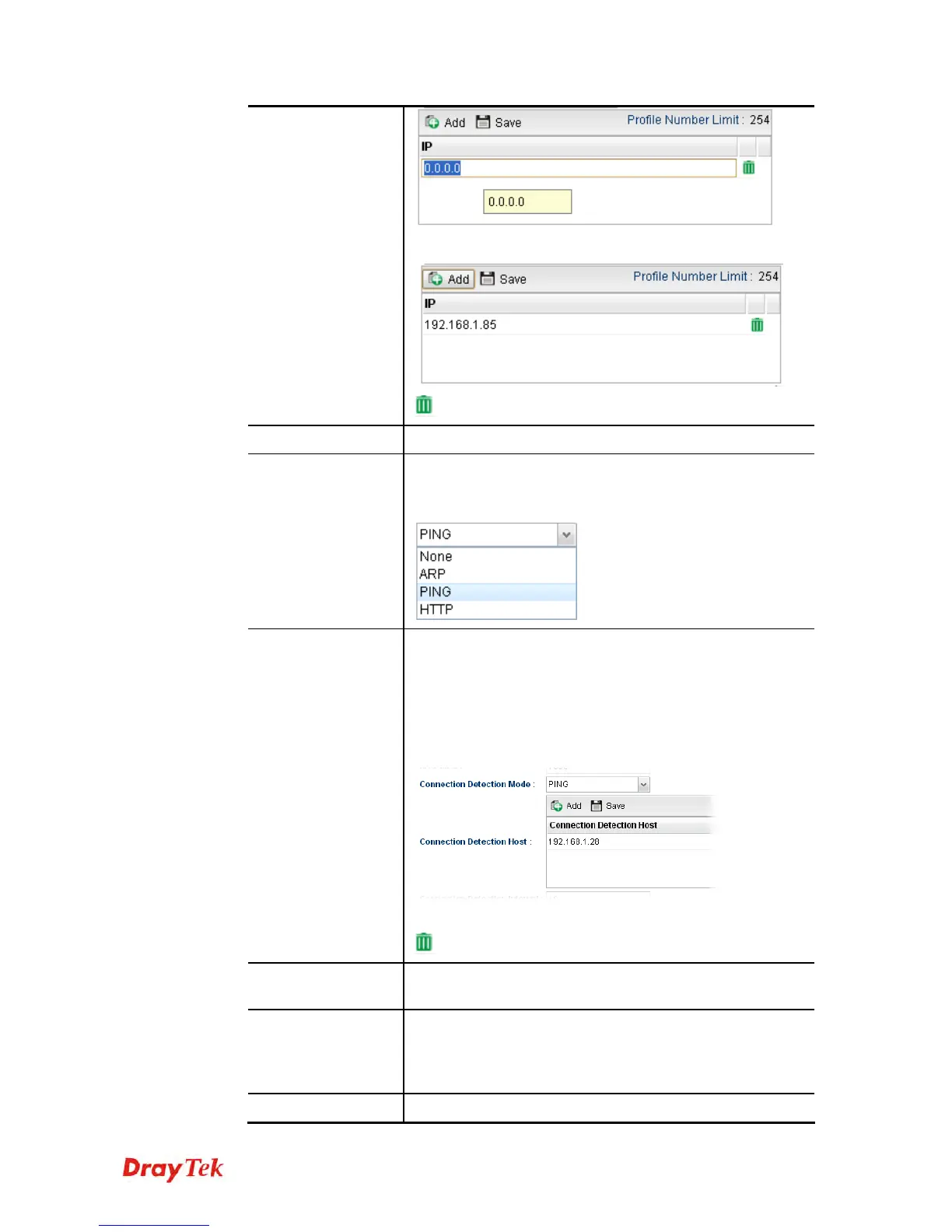
– click the icon to remove the selected entry.
MTU/MRU
Type the value of MTU/MRU. The default value is 1500.
Connection
Detection Mode
Select a detecting mode for this WAN interface. There are
three ways ARP, PING and HTTP supported in Vigor
router for you to choose to send the request out.
Connection
Detection Host
Add – click this button to have a field for adding a new IP
address. Assign an IP address or Domain name as a
destination to be detected whether the host is active (sending
reply to the router) or not. If not, the connection of WAN
interface will be regarded as breaking down. This function
is available when Connection Detection Mode is set with
PING or HTTP.
Save – click this button to save the setting.
– click the icon to remove the selected entry.
Connection
Detection Interval
Assign an interval period of time for each detecting.
Connection
Detection Retry
Assign detecting times to ensure the connection of the WAN
interface. After passing the times you set in this field and no
reply received by the router, the connection of WAN
interface will be regarded as breaking down.
Apply
Click it to save the configuration and exit the dialog.














 To Next Page