Getting started
25
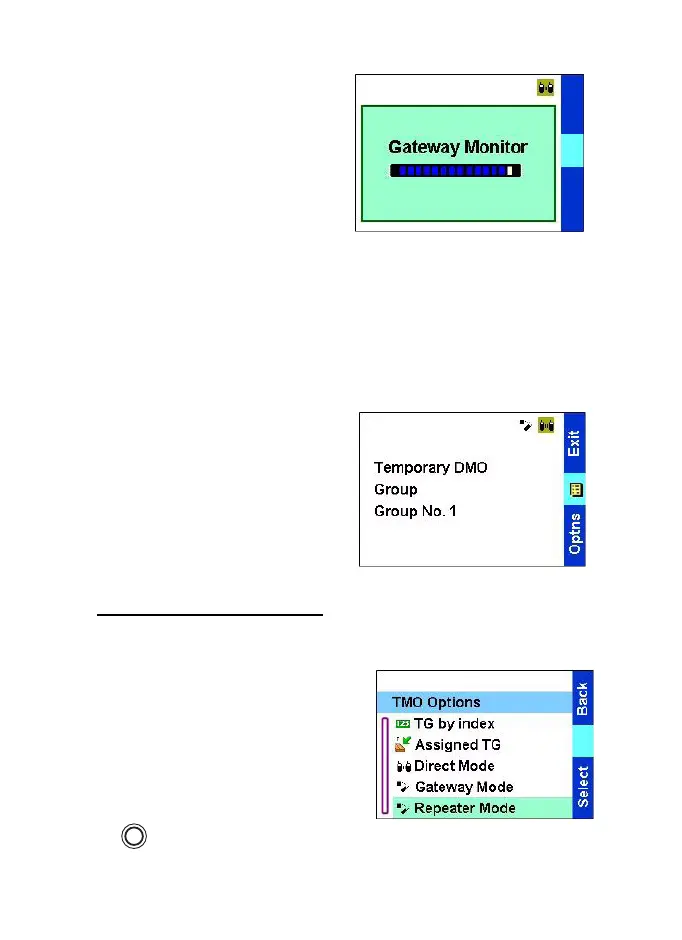
The display shows Gateway
Monitor. In Gateway Monitor
Mode TGR990 checks if the
communication goes through
other gateway or not.
•
When it does not pick up other
gateway communication, it
switches to Gateway Mode.
•
When it detects other gateway
communication during
Gateway Monitor mode. The
display shows Gateway
Detected message. The radio
is in Temporary DMO.
It checks other gateway
communication all the time. If
other gateway communication
disappears, TGR990 returns to
Gateway Monitor Mode.
Press
Exit
in Temporary DMO to
switch to DMO.
Entering Repeater Mode
When your TGR990 is in TMO,
enter Repeater Mode in one of the
following ways:
•
From the Home display press
Optns
and select Repeater
Mode
as required.
•
Press the menu key
→
Setup
→
Networks
→
Repeater Mode
.
MENU
TGR990_features.book Page 25 Thursday, December 3, 2009 9:43 AM



 To Next Page