The menu
78
Q
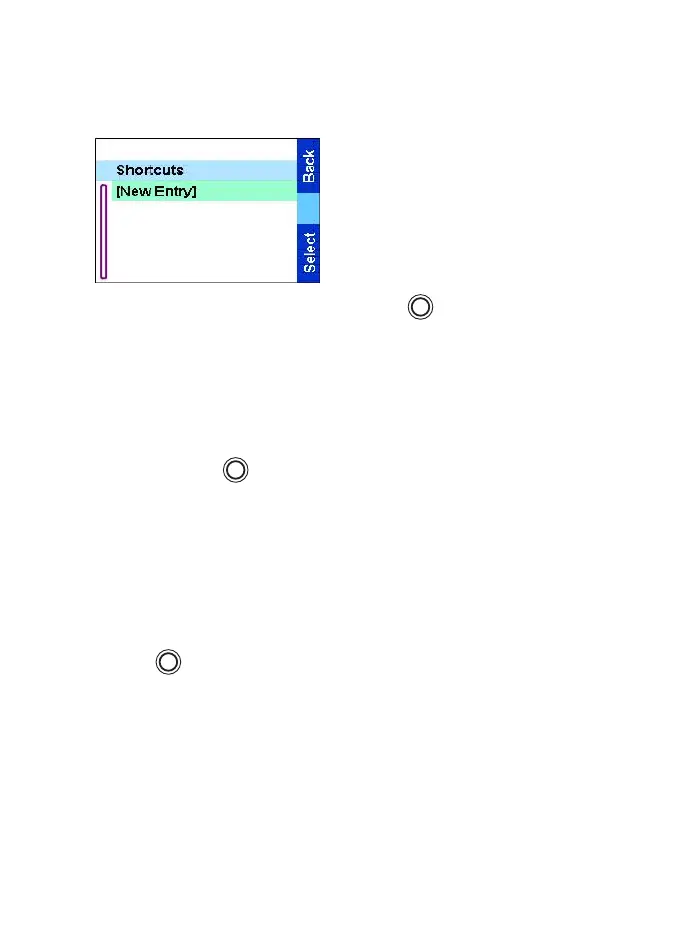
Shortcuts
Use shortcuts to access
frequently used menu items.
From the
Main menu
, select
Shortcuts.
The display shows the shortcut
list.
You can access a shortcut by
pressing and then the
respective numeric key.
Creating a menu shortcut
For example, to create a shortcut to the All tones options:
1. From the
Main menu
, select
Setup
→
Tones, then highlight All
tones.
2. Press and hold until a confirmation screen appears. Press
Yes
to confirm.
3. The first free position is assigned as a shortcut key. A
confirmation screen appears. Press
Done
to confirm.
Editing shortcuts
1. From the
Main menu
, select Shortcuts.
2. Scroll to the shortcut you wish to edit.
3. Press and select
Edit
.
4. After a few seconds, you will be prompted to confirm the newly
created shortcut. The first free position is assigned as a shortcut
key. Press
Yes
to confirm. Press
No
to cancel.
If the number is already assigned as a shortcut for another option,
you will be asked to replace the current shortcut number with a
newly created one.
MENU
MENU
MENU
TGR990_features.book Page 78 Thursday, December 3, 2009 9:43 AM



 To Next Page