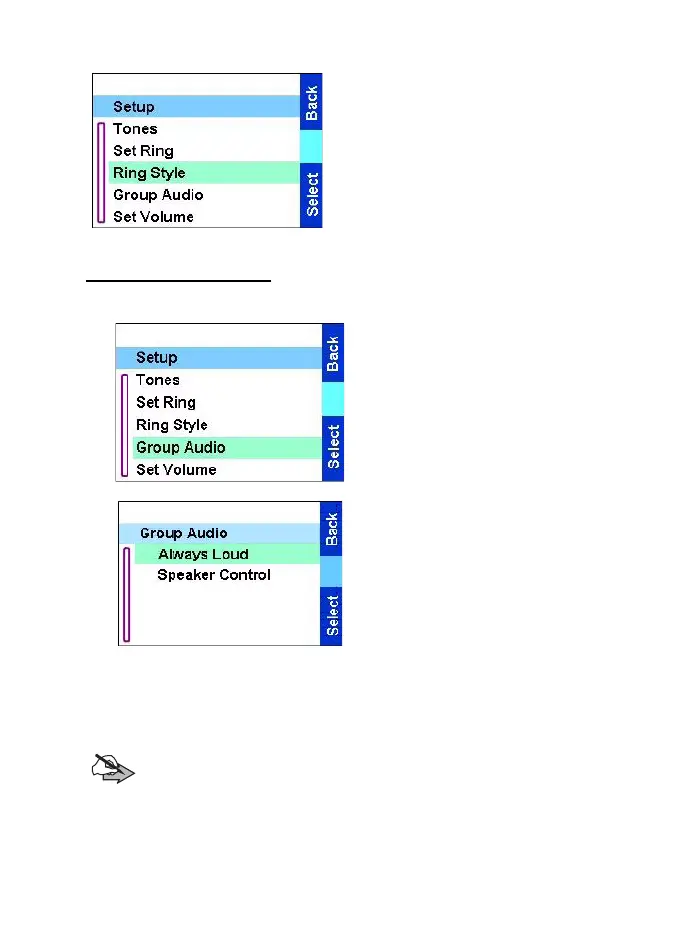
The menu
66
From the
Main menu
, select
Setup
→
Ring Style.
Upon entry into this sub-menu,
the display shows the current ring
style used.
To set the ring style, scroll to the
desired style and press
Select
.
Setting group audio
1.From the
Main menu
,
select Setup
→
Group Audio
.
.
2.The display shows the
current audio setting. When
set to:
•
Always Loud
— received
audio is output through an
external speaker despite the
Speaker Control settings.
•
Speaker Control
— received audio is output according to the
Speaker Control settings.
3. Select the required setting.
Note:
Incoming Private, Phone and PABX calls are always
output according to the
Speaker Control
settings.
TGR990_features.book Page 66 Thursday, December 3, 2009 9:43 AM



 To Next Page