The menu
59
Capacity
You can check how many numbers are used and how many
numbers remain free in your Contacts list.
To check the capacity:
1. From the contact list, press .
OR
From a contact detail display, press .
2. Select Capacity.
3. Select from the following options:
•
Private
— shows Private numbers capacity
•
Phone / PABX
— shows Phone/PABX numbers capacity
•
Contact
— shows contacts capacity
4. Select
Back
to exit.
Q
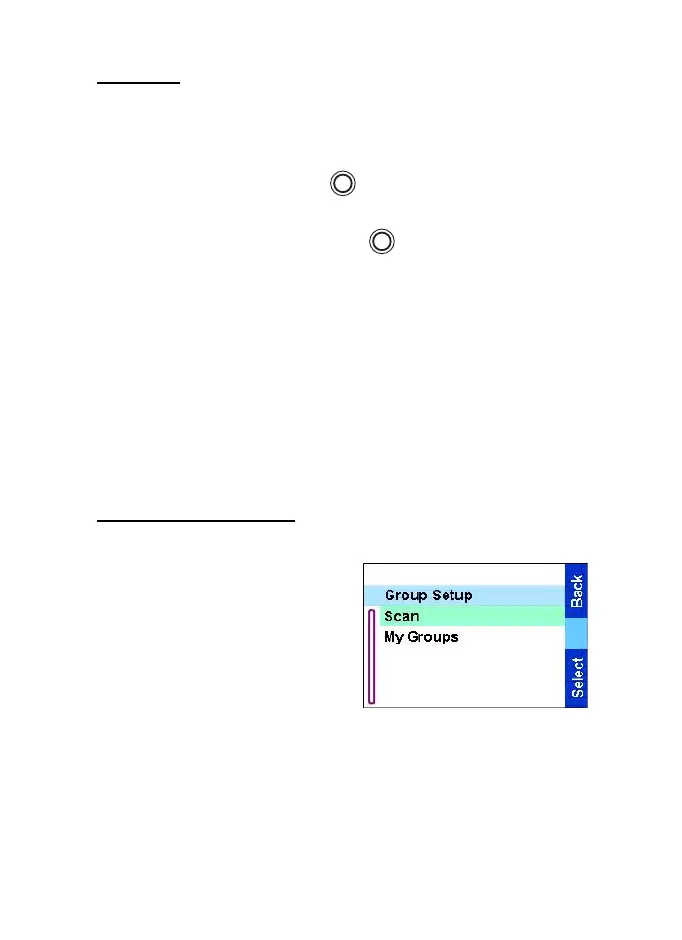
Group Setup
Entering group setup
From the
Main menu
, select
Group Setup
. This submenu
allows you to set the Scan and
My Groups features.
MENU
MENU
TGR990_features.book Page 59 Thursday, December 3, 2009 9:43 AM



 To Next Page