Trunked Mode Operation - TMO
29
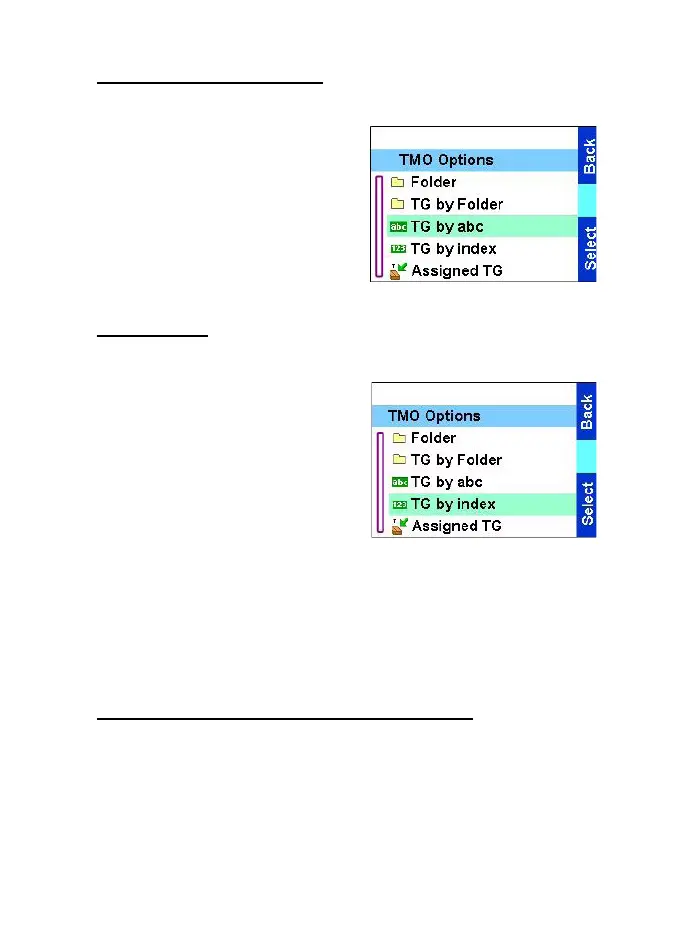
Using alphabetic search
From the Home display, press
Optns
. Select a group by
alphabetic search TG by abc. Enter
the first character of the group’s
name. Select the group.
Using index
From the Home display, press
Optns
. Select a group by folder
search TG by index. Select the
folder and select the group.
Q
My Groups folder
You can organise your favourite groups into one folder called My
Groups.
Adding/deleting groups from My Groups
For more information, see My Groups on page 62.
TGR990_features.book Page 29 Thursday, December 3, 2009 9:43 AM



 To Next Page