TETRA/UHF analogue gateway mode
36
4. TETRA/UHF analogue gateway
mode
Q
General
The TGR990 allows you to establish gateway connection between
the TETRA network and a UHF analogue system.
Note:
To notify TETRA users of an unencrypted user on the
network (while TETRA/UHF analogue gateway mode is active),
an audible warning tone is sent every time the analogue unit
transmits to the TETRA network.
Q
Entering TETRA/UHF analogue gateway mode
You can enter the analogue/digital gateway mode in DMO. Before
entering choose the required DMO group.
To enter the analogue/digital gateway mode:
1. From the Home display press and then
#
key. The display
shows the current UHF channel selected on UHF mobile.
2. Select the required UHF channel using . and .
3. Select
Gte
to enter the analogue/digital gateway operation.
Select
Tet
to return to DMO mode.
Q
Exiting TETRA/UHF analogue gateway
operation
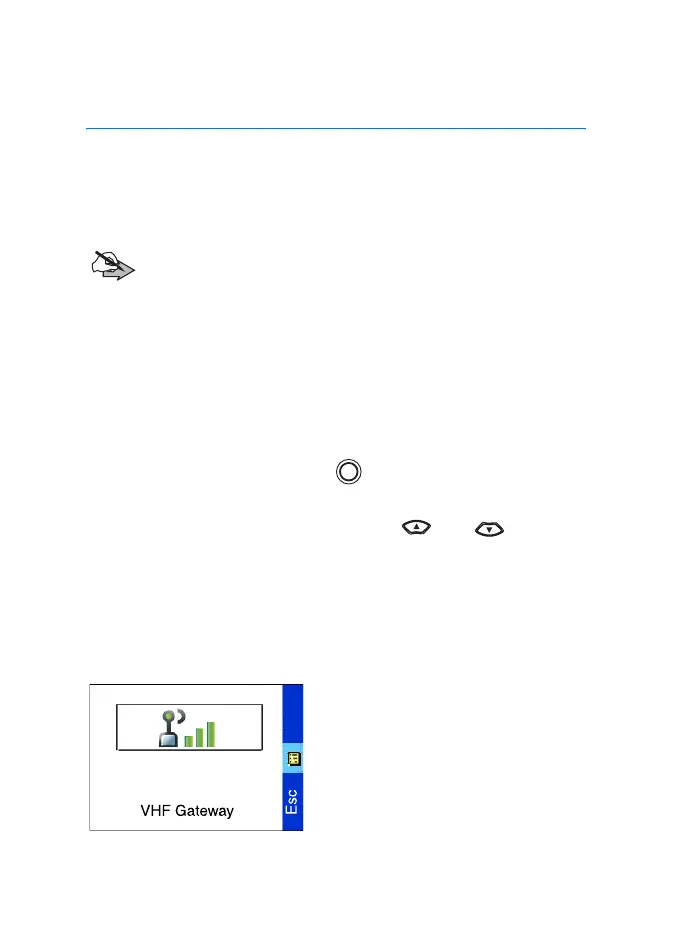
To exit the analogue/digital
gateway mode, from the VHF
Gateway display select
Esc
.
MENU
TGR990_features.book Page 36 Thursday, December 3, 2009 9:43 AM



 To Next Page