Messages
85
•
Delete
and press
Yes
to delete the template. When the display
shows Deleted: Template n, the current template is deleted from
the
Inbox
. The display shows the next template (if any) or the
templates list.
•
Edit
to edit the message in the template for your needs.
3. Send the template. See Sending the message on page 81.
Q
Predefined templates
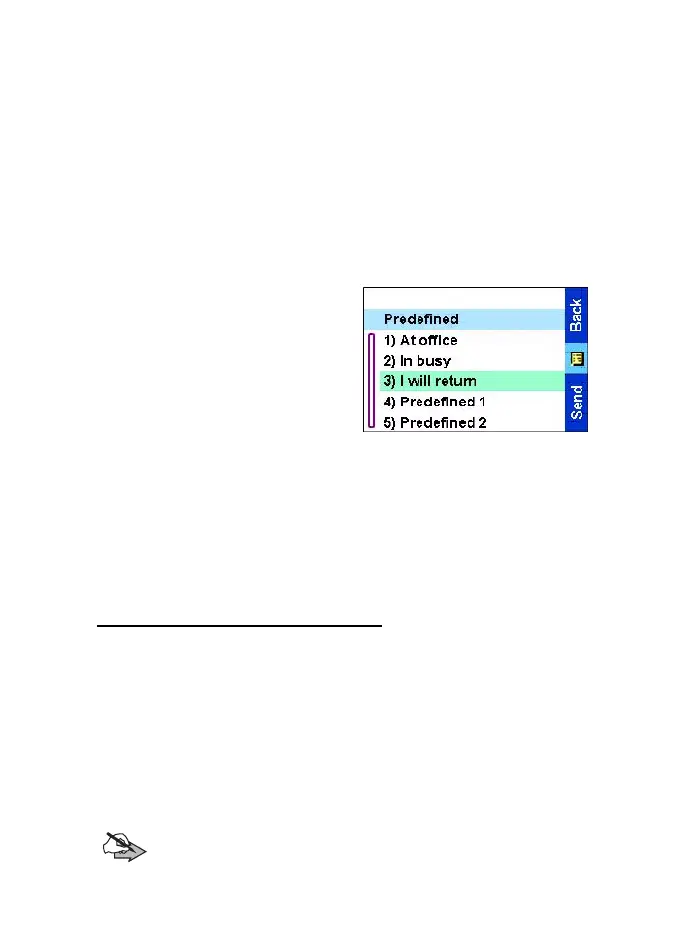
Predefined message templates
are templates that are
programmed into your TGR990
by your Service Provider.
You are allowed to perform
limited edit operations of the
predefined template and to send
it, but you will not be able to store
the edited template or erase it
from the predefined template list.
From the
Main menu
, select Messages
→
Predefined. The first
template in the predefined template list is displayed (if no predefined
template exist, the message No Predefined
will be displayed).
Sending a predefined template
1. Press
Send
or
PTT
to send the message.
2. The display will show one of the following delivery reports:
•
Message Delivered
— to indicate that the message was
successfully sent and received.
•
Message Failed— the message was not received.
3. After sending the message, your TGR990 will return to the
predefined template list or to the message editor screen.
Note:
It is recommended to wait for the message acknowledge
before sending a new message.
TGR990_features.book Page 85 Thursday, December 3, 2009 9:43 AM



 To Next Page