Direct Mode Operation - DMO
33
Q
Selecting a group
See Selecting a group on page 28.
Q
Selecting a folder
See Selecting a folder on page 28.
Q
Gateway/Repeater selection
Use the DMO Config sub-menu for setting the Gateway and
Repeater options.
1. Press
Optns
to enter the options menu in DMO.
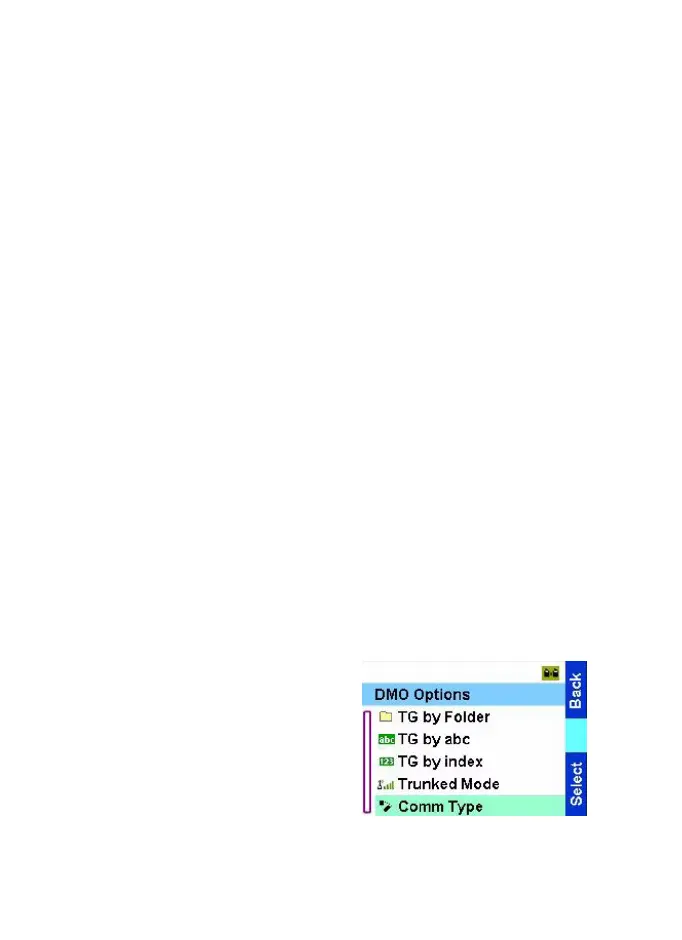
DMO Options sub-menu:
Option (TMO)
•
Folder
•
TG by Folder
•
TG by abc
•
Trunked Mode
•
Comm type
•
Direct
•
Via Gateway
•
Via Repeater
•
All
2. Scroll to Comm type, and
press
Select
.
TGR990_features.book Page 33 Thursday, December 3, 2009 9:43 AM



 To Next Page