Getting started
18
Screen icons
Status icons appear when your phone is engaged in certain
activities or when you have activated certain features.
Signal Strength
Indicates the signal strength in the current TMO or DMO
area. Four bars indicate the maximum strength. Fewer
bars indicate lower signal strength. You may be able to
improve signal strength by moving your vehicle to a
different location.
New Message(s) in Inbox
Indicates that an unread message is in stack. Once you
read the message the icon disappears.
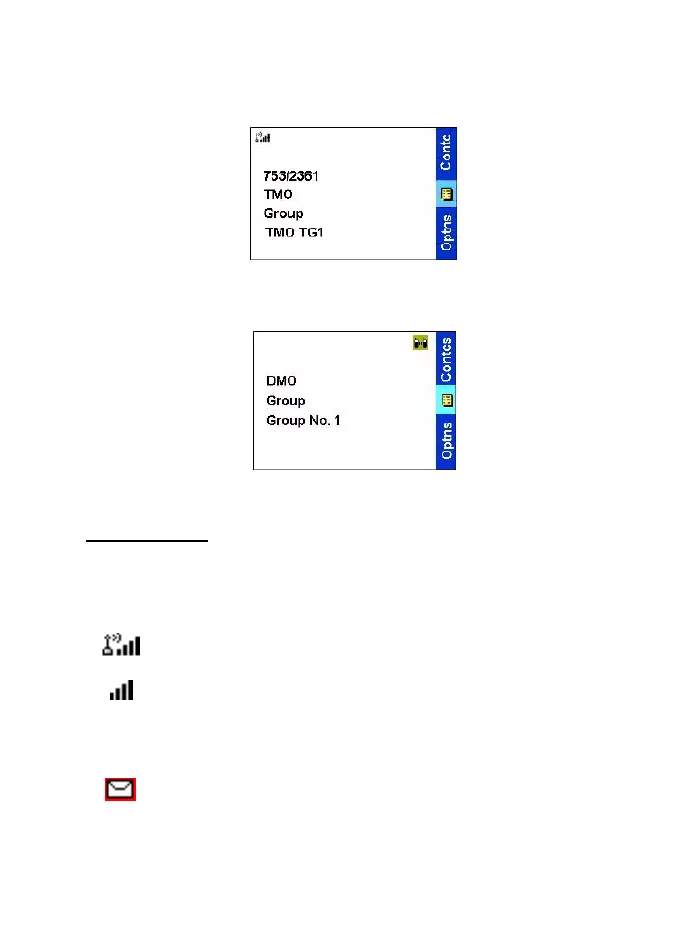
Trunked Mode Home Display
status icon area
→
←
soft key area
text display area
→
←
menu/context
sensitive icon
←
soft key area
Direct Mode Home Display
status icon area
→
←
soft key area
text display area
→
←
menu/context
sensitive icon
←
soft key area
TGR990_features.book Page 18 Thursday, December 3, 2009 9:43 AM



 To Next Page