The menu
54
Q
Messages
Refer to Messages on page 80 for details.
Q
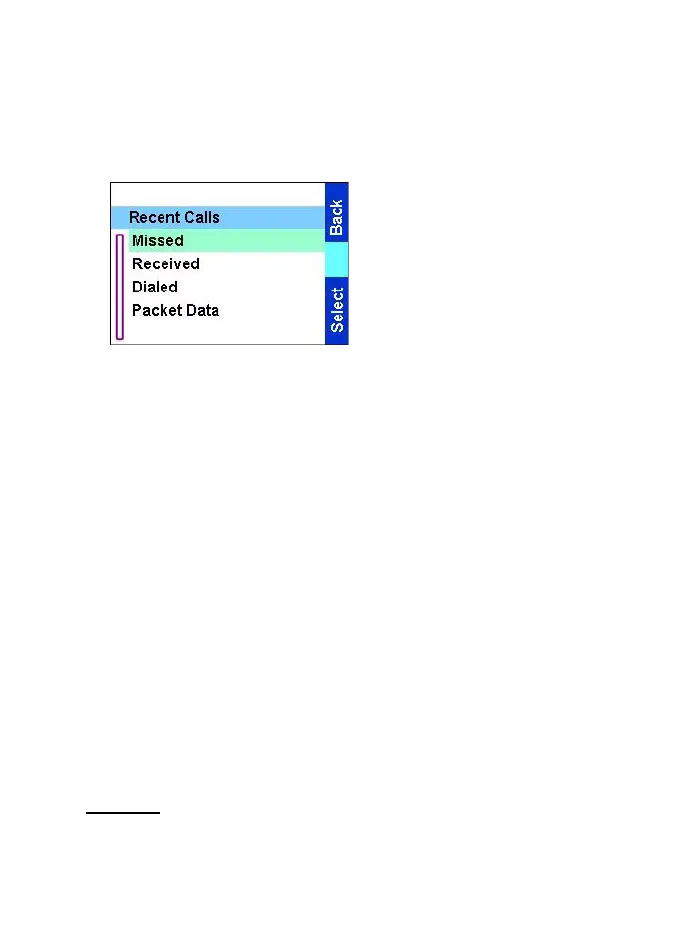
Recent Calls
1.From the
Main menu
,
select Recent calls. You can
view the history of all calls:
2.Missed
— calls received but
not answered, or rejected by
the TGR990.
3.Received
— calls you
answered
4. Dialed
5. Packet Data
— information on packet data communication.
Each list of calls may contain up to 10 numbers, the most recent call
being at the top of the list.
If the number of a recent call is stored in the contact list, the name
associated with the number appears in the recent calls list.
An icon appears beside the name or number, indicating the contact
type of the number used in the call. See Contacts on page 54.
Old calls remain in your recent calls list until you delete them or until
they reach the end of the list.
A number dialled more than once, will appear only once in the list.
You can make a Phone, PABX, or Private Call from the entry,
depending on the entry you are selecting in the list.
Q
Contacts
General
Contacts stores Private, Phone, and PABX numbers. Each Contacts
entry can store several numbers. A Contacts entry contains:
TGR990_features.book Page 54 Thursday, December 3, 2009 9:43 AM



 To Next Page