The menu
55
•
Name:
— A name is required if you are storing more than one
number to the entry; otherwise, it is optional. Typically, this is the
name of the person whose contact information is stored in the
entry.
•
Type:
— Each number stored must be assigned a Contacts type.
•
# A
number
— Each Contacts entry must contain a number. This
may be any type of phone number and Private ID.
•
Speed #:
(
Speed Dial number) — When you store a phone
number, it is assigned a Speed Dial number. You can accept the
default Speed Dial number or change it.
Note:
If set up by your Service Provider, it is not possible to
create or edit Contacts or dial a number which is not in the
Contacts list. The menu items for creating, editing, and deleting
Contacts are in this case to be added.
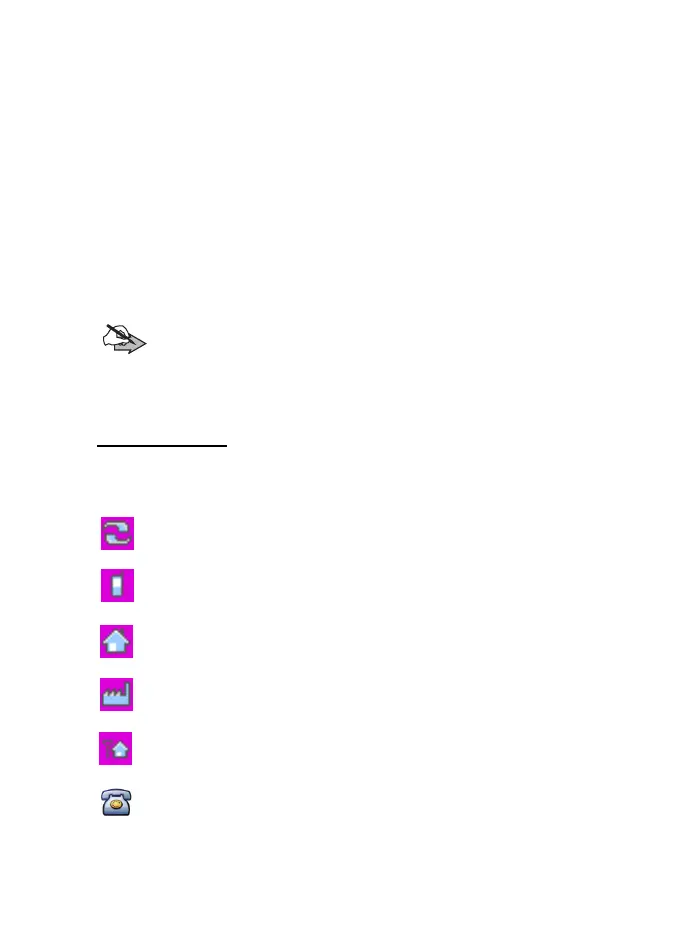
Contact icons
In the contact list display, the following icons may appear next to the
contact numbers to indicate the type of stored number.
Private
ID number
Mobile
phone number
Home
phone number
Work
phone number
PABX
number
Other phone number
TGR990_features.book Page 55 Thursday, December 3, 2009 9:43 AM



 To Next Page