The menu
64
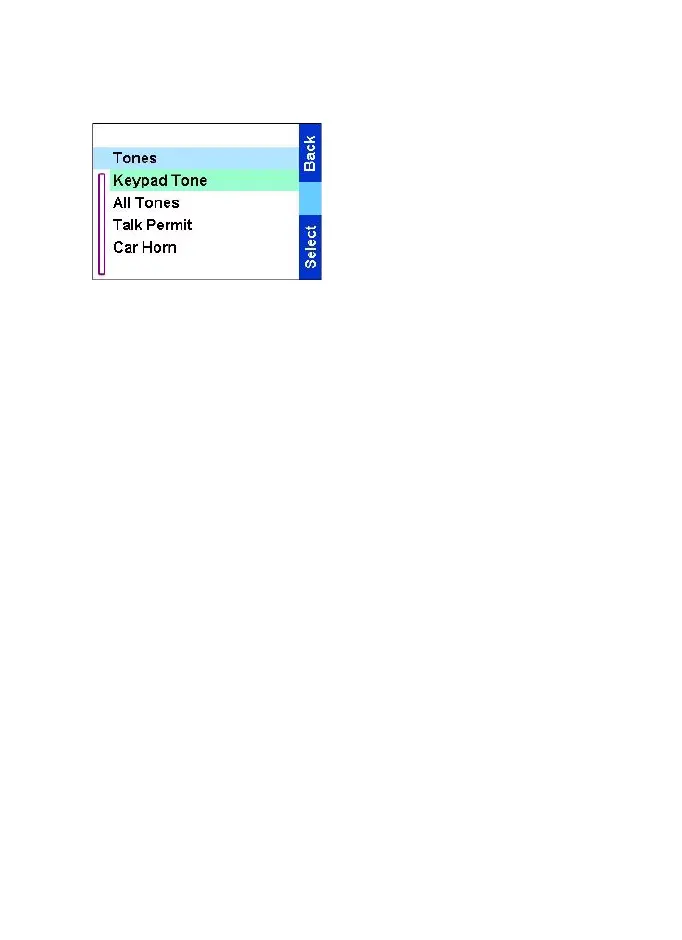
Setting keypad tone
To activate/deactivate keypad
tone at every key press:
1.From the
Main menu
, select
Setup
→
Tones
→
Keypad Tone.
2.Scroll through the settings (On/
Off).
3.Choose required setting and
press
Select
, or press
Back
to
exit.
Setting all tones
To activate/deactivate all tones (keypad tone and other activity
tones used in your TGR990):
1. From the
Main menu
, select Setup
→
Tones
→
All tones.
2. Scroll through the settings (On/Off).
3. Choose required setting, and press
Select
, or press
Back
to exit.
Setting talk permit tone
There are 3 tone settings:
•
No tone
(no tone heard upon pressing the
PTT
).
•
Short tone
(a short tone heard upon pressing the
PTT
).
•
Normal tone
(the factory-default tone heard upon pressing the
PTT
).
To change your Talk Permit Tone settings:
1. From the
Main menu
, select Setup
→
Tones
→
Talk permit.
2. Scroll through the settings.
3. Choose required setting, and press
Select
. Press
Back
to exit.
TGR990_features.book Page 64 Thursday, December 3, 2009 9:43 AM



 To Next Page