The menu
75
4. Press
Done
to exit.
When On is set, the radio displays pre-programmed wallpaper in the
background
Setting the contrast
1. From the
Main menu
, select Setup
→
Display
→
Contrast:.
2. Press
Change
.
3. Use / or Rotary Knob to adjust the contrast.
4. Press
Ok
.
5. Press
Done
to exit.
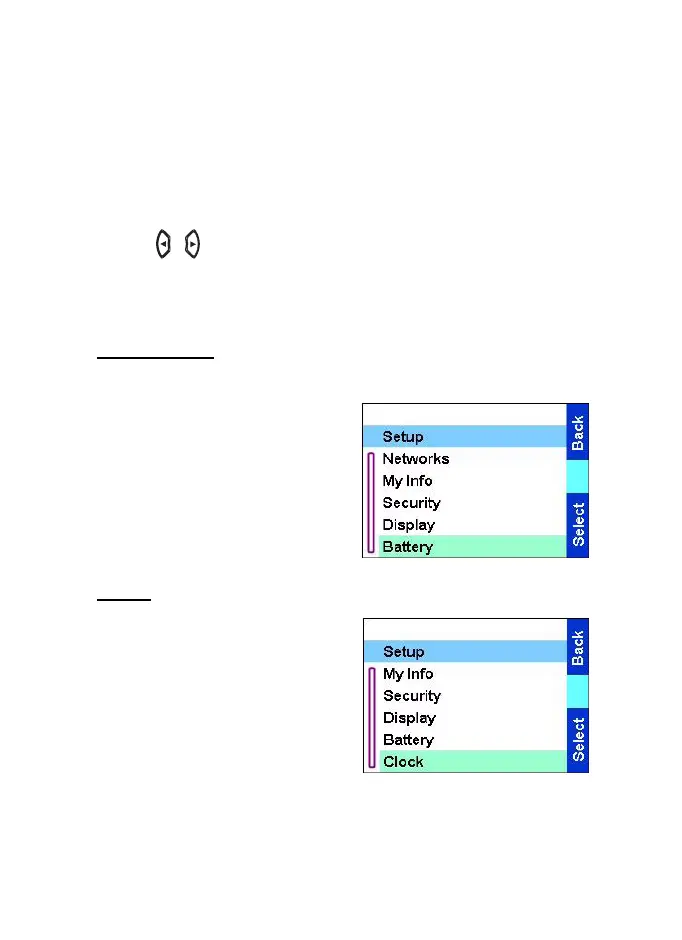
Battery level
From the
Main menu
, select
Setup
→
Battery.
The display shows Battery level.
Clock
From the
Main menu
, select
Setup
→
Clock.
•
Time
shows the current date
and time.
•
Set time
allows you to change
the current date and time. You
can change it manually, or
use Auto Time Set
to detect it
from the GPS. Time Lag is
TGR990_features.book Page 75 Thursday, December 3, 2009 9:43 AM



 To Next Page