The menu
52
Note:
This is the standard menu layout. Your Service Provider
may enable/disable some menu items or change their names.
Q
Status
Sending a status message
A status is a number corresponding to a pre-programmed message
in a list your group recognises.
1. Switch to the desired talkgroup, to which you want to send a
status message.
2.From the
Main menu
,
select Status
→
Send Status.
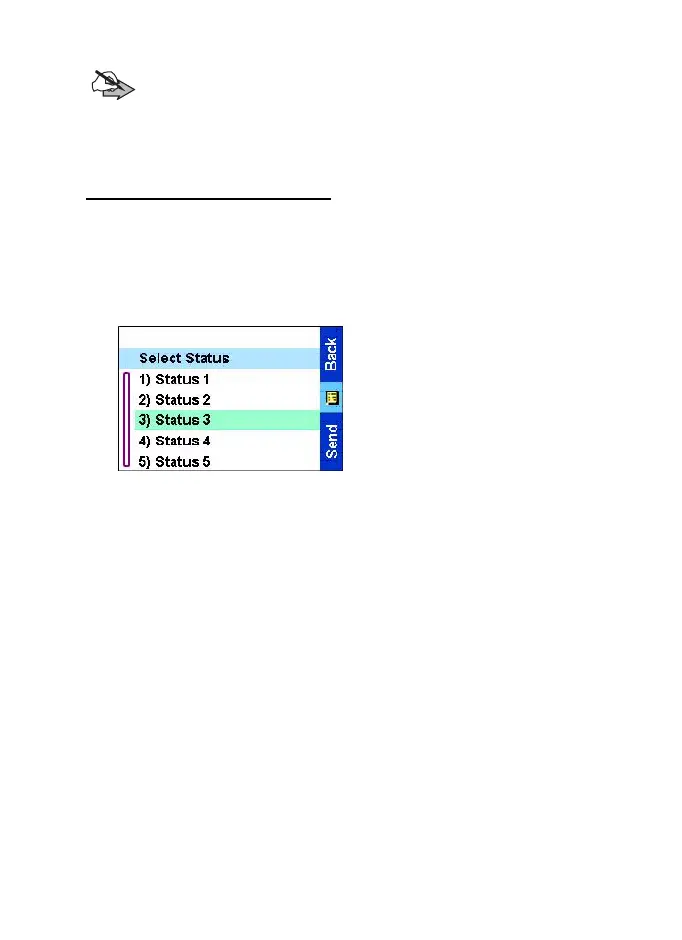
3.In this example, Status 3 is
the last sent status. If you wish
to send a different status,
scroll to your selection in the
list of preprogrammed
statuses, or key the status
number. To stop scrolling,
press
Back
. The display
returns to the select status list.
TGR990_features.book Page 52 Thursday, December 3, 2009 9:43 AM



 To Next Page