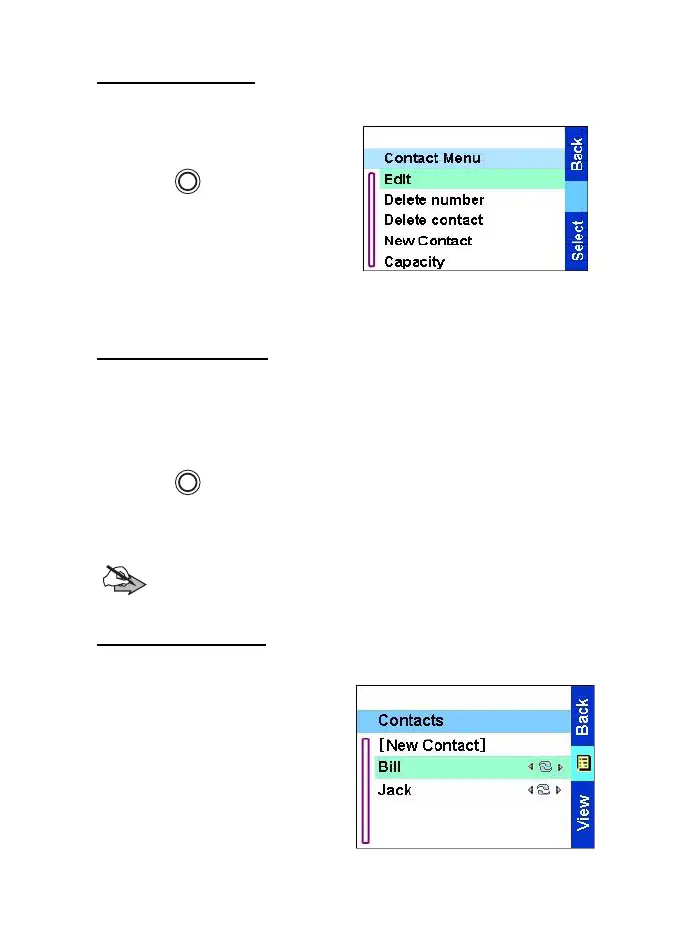
The menu
57
Editing a contact
1. From the contact list, scroll to
the entry you want to edit.
2. Press to enter Contacts
menu. Select
Edit
. The entry
details screen displays.
3. Follow the instructions in
Creating a contact on page 56
to edit the various fields.
Deleting a number
1. From the contact list, scroll to the entry that contains the number
you want to delete.
2. Scroll left or right to display the contact type for the number you
want to delete.
3. Press .
4. Select Delete number.
5. Press
Yes
to confirm.
Note
:If an entry contains only one number, deleting the number
deletes the entry.
Deleting a contact
1. From the Contact list, scroll to
the entry you want to delete.
MENU
MENU
TGR990_features.book Page 57 Thursday, December 3, 2009 9:43 AM



 To Next Page