The menu
62
•
Edit the scan list groups.
• Scroll to the group you wish to remove from the selected scan
list, and press
Delete
. You will be prompted to remove the
selected group. After a few seconds, the display shows the
updated scan list.
• To change the group priority, press
Priority
. Scroll to the
selected priority and press
Select
.
My Groups
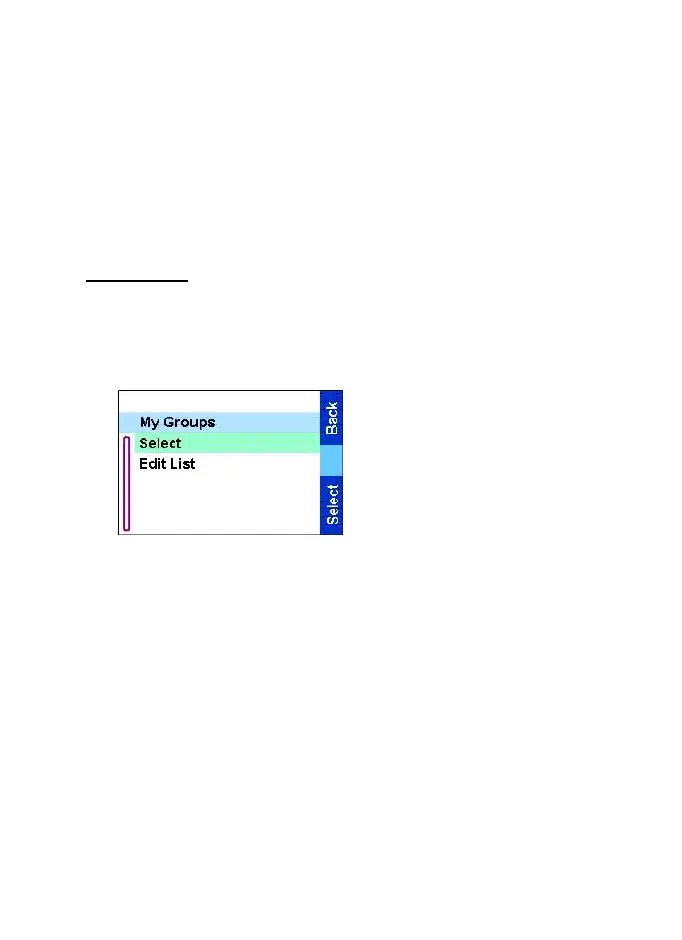
This sub-menu allows you to select/edit your favourite group list.
Selecting a group from My Groups
1.From the
Main menu
,
select Group Setup
→
My
Groups
→
Select. (If the folder
is empty, add groups.)
2.The screen returns to the
Home display. My Groups
is
displayed as the first
highlighted folder in the list of
folders. You can now scroll
through the favourite group
list. Press
Select
to confirm
your choice.
When selecting My Groups and no groups exist from the current
DMO/TMO, you may be forced to switch from TMO to DMO or from
DMO to DMO. In this case you will be prompted to accept the mode
change.
Adding a group to My Groups
1. From the
Main menu
, select Group Setup
→
My Groups
→
Edit
List
→
[New Group].
TGR990_features.book Page 62 Thursday, December 3, 2009 9:43 AM



 To Next Page