The menu
71
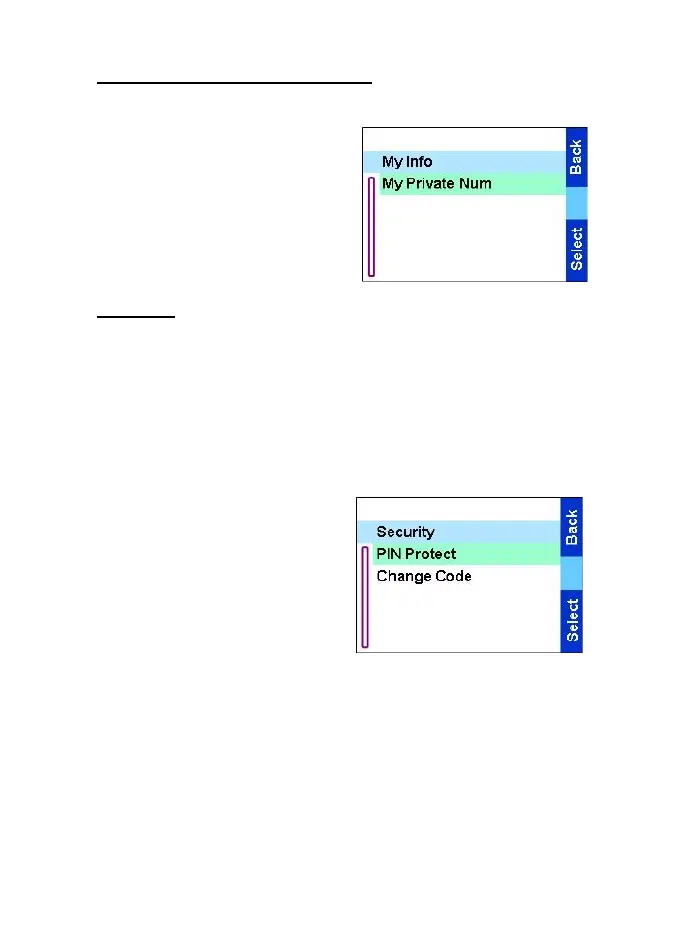
Viewing personal information
Use this feature to view your own
private number at any time.
1. From the
Main menu
, select
Setup
→
My info.
2. Select My Private Num
.
Security
From the
Main menu
, select Setup
→
Security.
PIN protect
Network access protection is configured by your Service Provider:
•
No access to network operation — you can only send or receive
Emergency Calls and adjust the volume level. Unit lock takes
effect at the next power on.
To protect access to network
operation:
1. From the
Main menu
, select
Setup
→
Security
→
PIN
Protect.
2. Select
On
and press
Select
.
3. At the InputCode
prompt enter
the 4-digit code (factory
setting 1234). To avoid disclosure of the code, asterisks are
displayed instead of the code digits. The display will show the
following message:
Unit Locked
— you entered the correct code. The display returns to
the Security sub-menu and shows the active setting:
On
.
To unlock the TGR990 before powering off:
1. From the
Main menu
, select Setup
→
Security
→
PIN Protect.
TGR990_features.book Page 71 Thursday, December 3, 2009 9:43 AM



 To Next Page