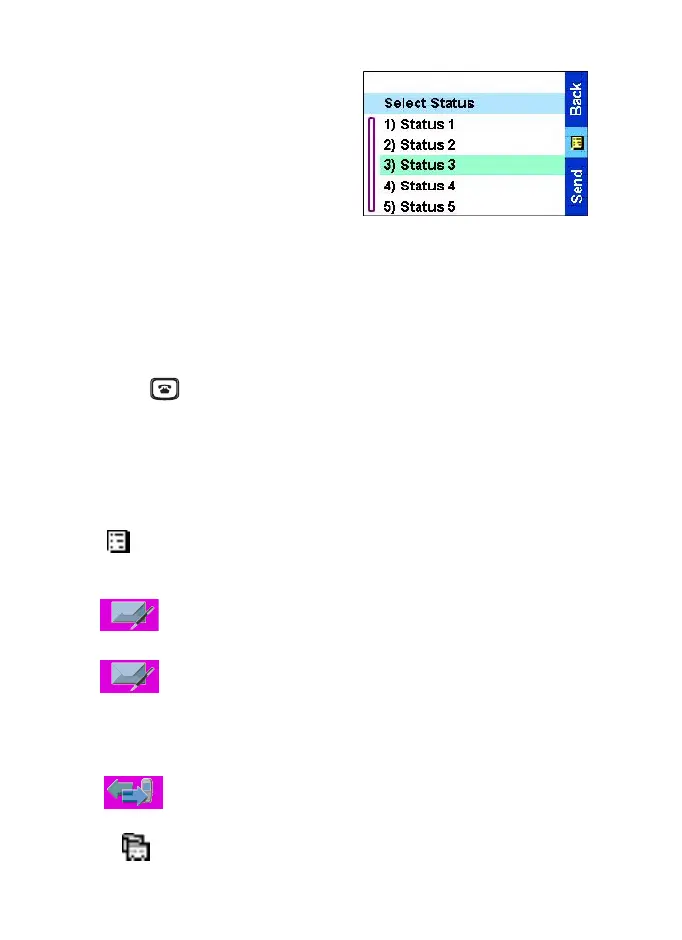
The menu
49
Third submenu
When scrolling up/down menu
items, try also right/left scrolling.
(This will select the item or return
to previous level.)
Q
To return to the previous level
Press
Back
.
Q
To exit the menu items
Press .
Q
Menu icons
The following icons make it easy to identify the menu items at first
glance.
Main menu items/context sensitive menu
Appears above the Menu key if the
Main menu
items/
context sensitive menu are active.
Status
Send status messages, operate status Inbox and Outbox.
Messages
•
Send short text messages (free text or according to user
defined or predefined templates).
•
Receive messages in Inbox.
Recent Calls
To show call histories.
Contacts
Add, search, edit, or erase entries in the contact list.
TGR990_features.book Page 49 Thursday, December 3, 2009 9:43 AM



 To Next Page