Writing text
87
You can use this method in the languages programmed in the
terminal.
In the text entry screen, press the menu key
and select Entry
Setup, and then change to one of the methods and its related
language (for example: TAP English).
Q
Icons
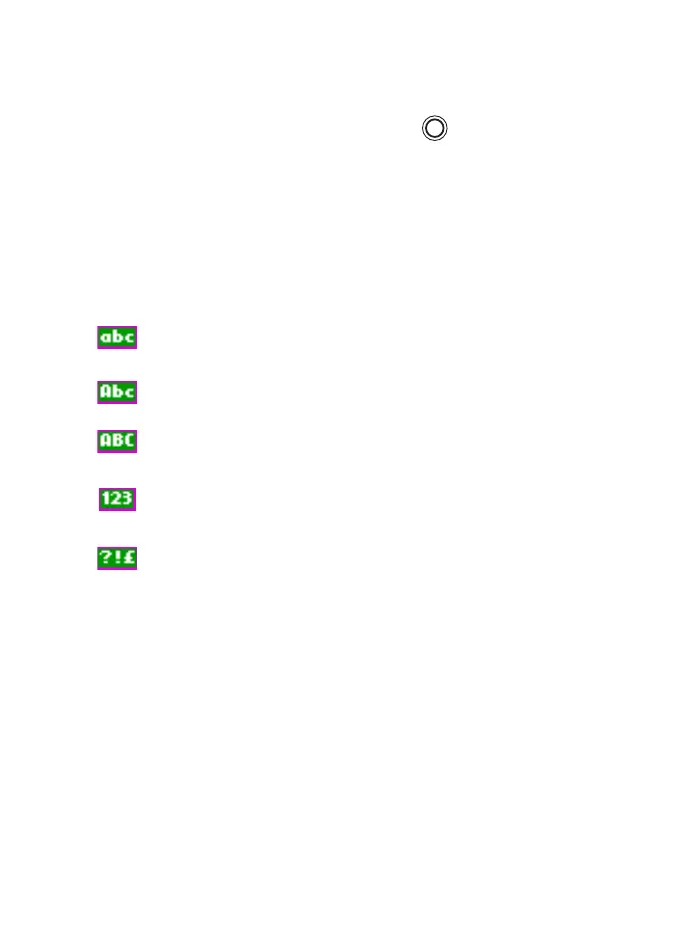
In the text entry screen, icons tell you which text entry mode and
method you are using. A character counter icon indicates the
number of entered characters.
TAP - no capitals
TAP - capitalise next letter only
TAP - all capitals
Enter numbers
Enter punctuation and symbols
Q
TAP display
Press a key and the display will show the following information:
• the icon indicating the current text writing method, see Icons
on page 87
• the main text entry area that will hold your message after you
selected the desired words
MENU
TGR990_features.book Page 87 Thursday, December 3, 2009 9:43 AM



 To Next Page