Messages
82
•
Message Failed
— the message was not received.
After sending the message, your TGR990 will return to the
templates list or to the message editor screen.
Note:
It is recommended to wait for the message acknowledge
before sending a new message.
Q
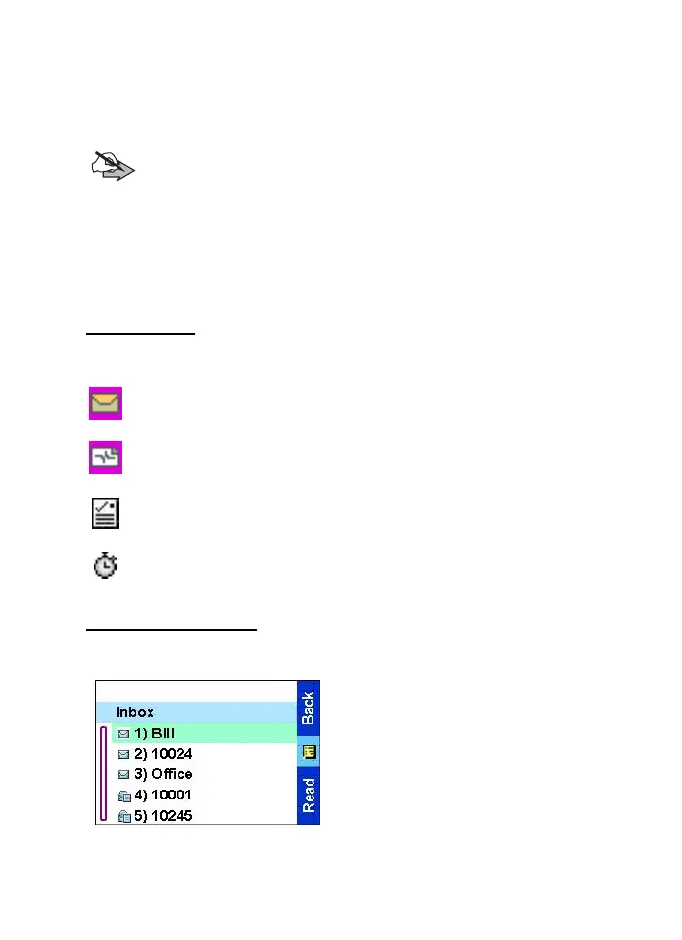
Using the inbox
The inbox list contains new or old incoming text messages. The
inbox list can contain 20 messages at any time.
Inbox icons
The following icons indicate the status of messages in the
inbox.
Unread (new) message
Indicates that you have not read the message yet.
Read (old) message
Indicates that you have read the message.
Sender information in message view
Indicates sender information (name or number).
Time and date stamp in message view
Indicates the time and date of message arrival.
Entering the inbox
From the
Main menu
, select
Messages
→
Inbox.
The status of the list is displayed
for a few seconds:
•
No New or Old Messages
— the
screen returns to the previous
display within a few seconds.
TGR990_features.book Page 82 Thursday, December 3, 2009 9:43 AM



 To Next Page