Messages
81
Creating a message
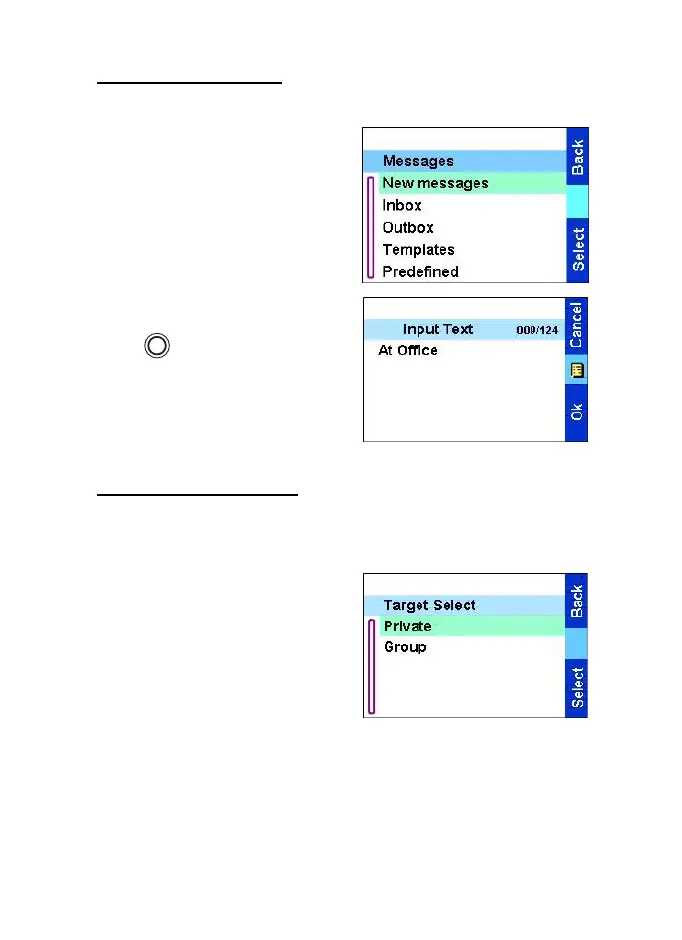
1. From the
Main menu
, select
Messages
→
New Message.
An empty screen will open.
2. Type/edit your message using
the keypad.
Press . Select Store to add
your message to the template
list. The number assigned to the
message is the lowest free
number.
Sending the message
1. From Input Text
display press
Ok
.
•
If set up by your Service
Provider you have the option
to send the message to a
private number or a talkgroup.
•
Otherwise select the message
recipient of your choice from
the contact list or enter the
address directly.
2. Select
Send
to send the message. The display will show one of
the following delivery reports:
•
Message Delivered
— to indicate that the message was
successfully sent and received.
MENU
TGR990_features.book Page 81 Thursday, December 3, 2009 9:43 AM



 To Next Page