Trunked Mode Operation - TMO
30
Q
Activating/deactivating scanning
See Group scan on page 60.
Q
Making a group call
1. From the Home display and if this is the required group, press and
hold the
PTT
.
2. Wait for the talk permit tone (if configured) and then speak into the
microphone. Release the
PTT
button to listen.
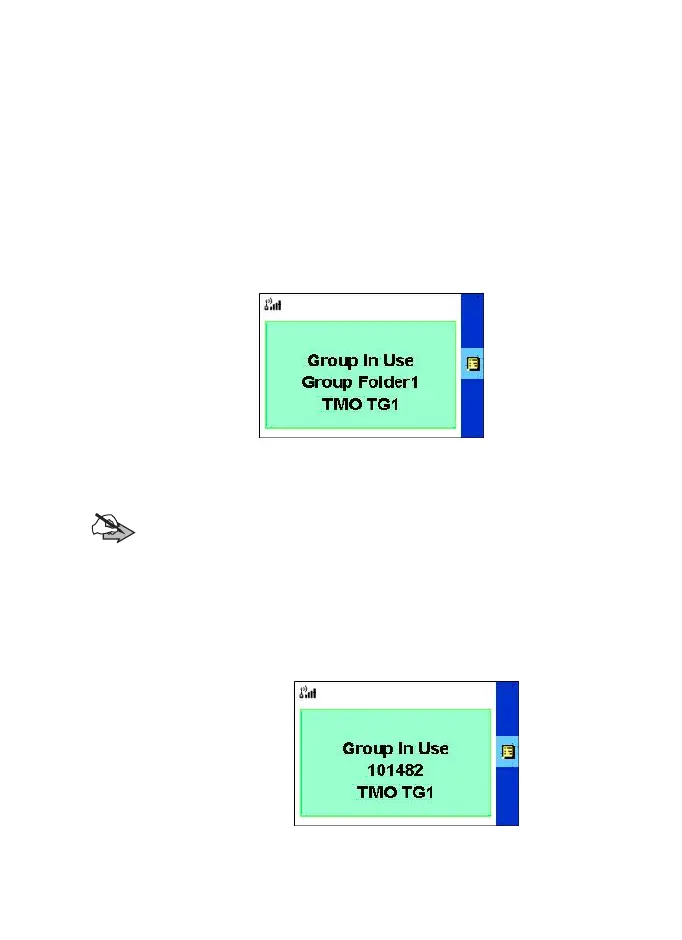
Group folder name
→
Group name
→
When you start a call, all members of the selected group who have
their units turned on, will receive the Group Call.
Note:
No group
message is displayed when you are out of the
normal coverage area of your selected group. You must then
select a new group that is valid for your working location.
Q
Receiving a group call
When an group call is received, the mobile will automatically go into
group mode and receive the call, also the group caller name will
appear in the screen.
Calling Party ID number
→
Group name
→
TGR990_features.book Page 30 Thursday, December 3, 2009 9:43 AM



 To Next Page