100
support@edgeovens.com Technical Support: +1 (724) 628 3050
OPERATION
PREVENTATIVE MAINTENANCE
CONVEYOR BELT LINKAGE REMOVAL (CONTINUED)
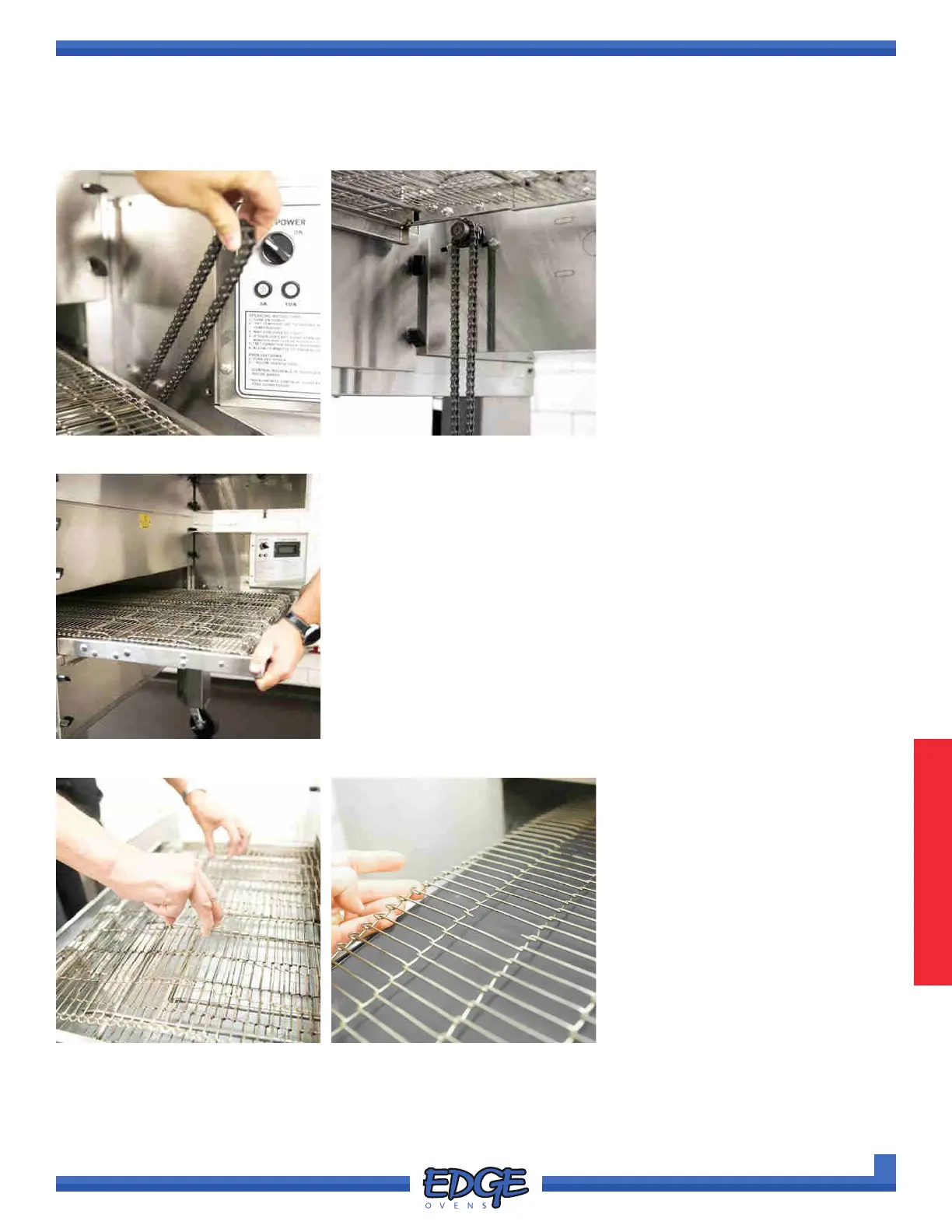
FIGURE 3-36 FIGURE 3-37
FIGURE 3-38
FIGURE 3-39
5. Remove the conveyor drive
chain from the conveyor motor
sprocket. (Figure 3-36)
6. Leave the conveyor drive chain
to hang from the conveyor drive
motor sprocket. (Figure 3-37)
7. Lift and pull the conveyor oven back out of the oven, ensuring that the
crumb pan support bracket sits externally to the oven mouth. If seated
correctly the conveyor frame will sit at. (Figure 3-38)
The conveyor frame should protrude equally from each end of the
oven chamber and the right hand side of the conveyor frame should sit
ush with the control cabinet end.
8. With conveyor drive chain
disconnected and the conveyor
belt able to move freely, manually
pull the conveyor belt (Figure
3-39) through the oven chamber
to locate the master links in your
conveyor belt (Figure 3-40).
FIGURE 3-40



 To Next Page