36
support@edgeovens.com Technical Support: +1 (724) 628 3050
INSTALLATION
OVEN ASSEMBLY
SPLIT-BELT CONVEYOR DRIVE SYSTEM ASSEMBLY (CONTINUED)
5. Once sprocket size and orientation have been conrmed on both
conveyor motors and the conveyor input shafts, loosen the three (3)
1/2” x 1/4-20 bolts, on the right hand side conveyor motor, with a 7/16”
spanner so that the conveyor motor can be moved freely. (Figure 2-80)
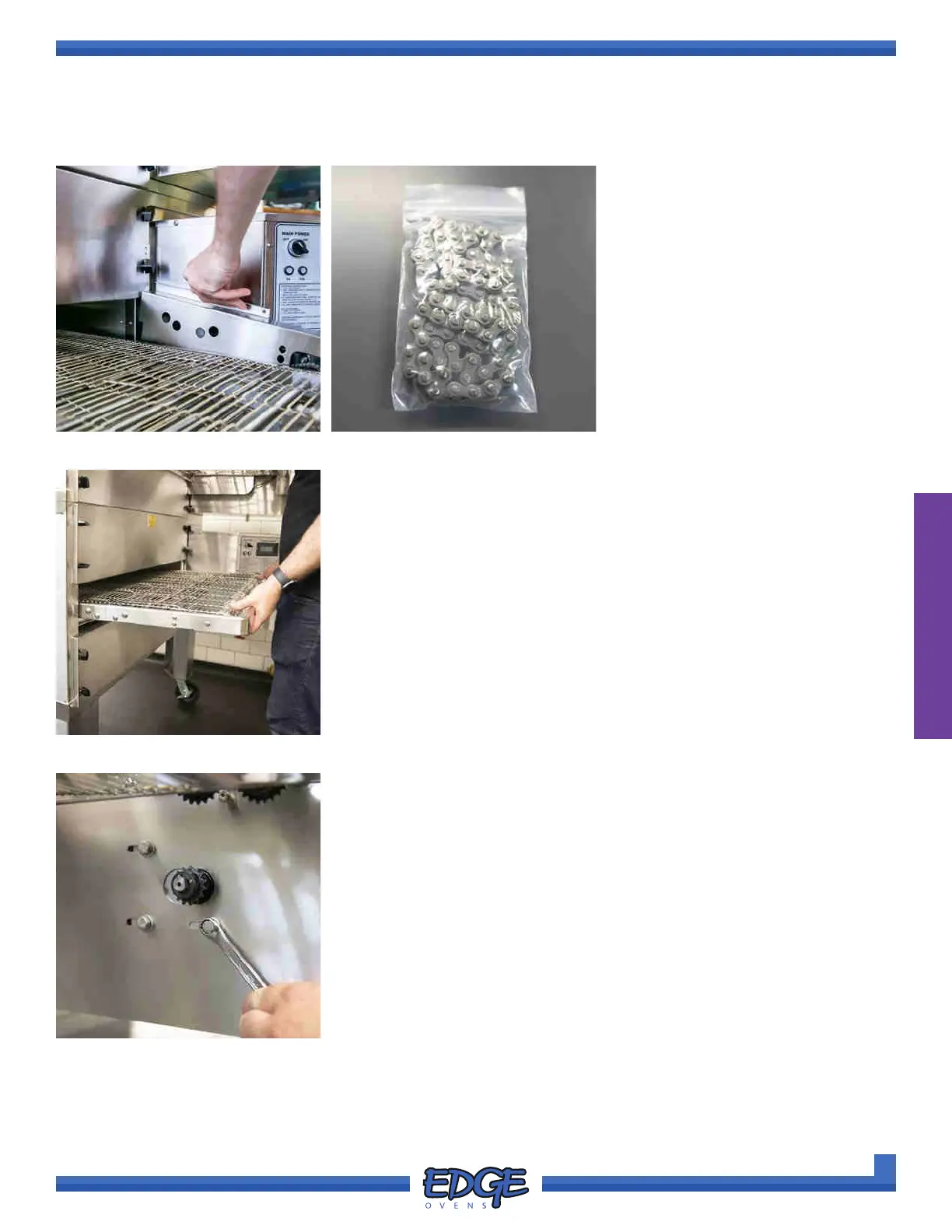
FIGURE 2-77
2. Lift the chain guard upwards to
remove it. (Figure 2-77)
3. Remove the conveyor drive chain
from the hardware pack supplied
with your oven. (Figure 2-78)
FIGURE 2-79
4. Lift and push the conveyor frame into the oven mouth approximately
1-2” so that the crumb tray support bracket rests on the BOTTOM end
panel. (Figure 2-79)
FIGURE 2-80
FIGURE 2-78



 To Next Page