CONFIGURING THE SURVEILLANCE SOFTWARE
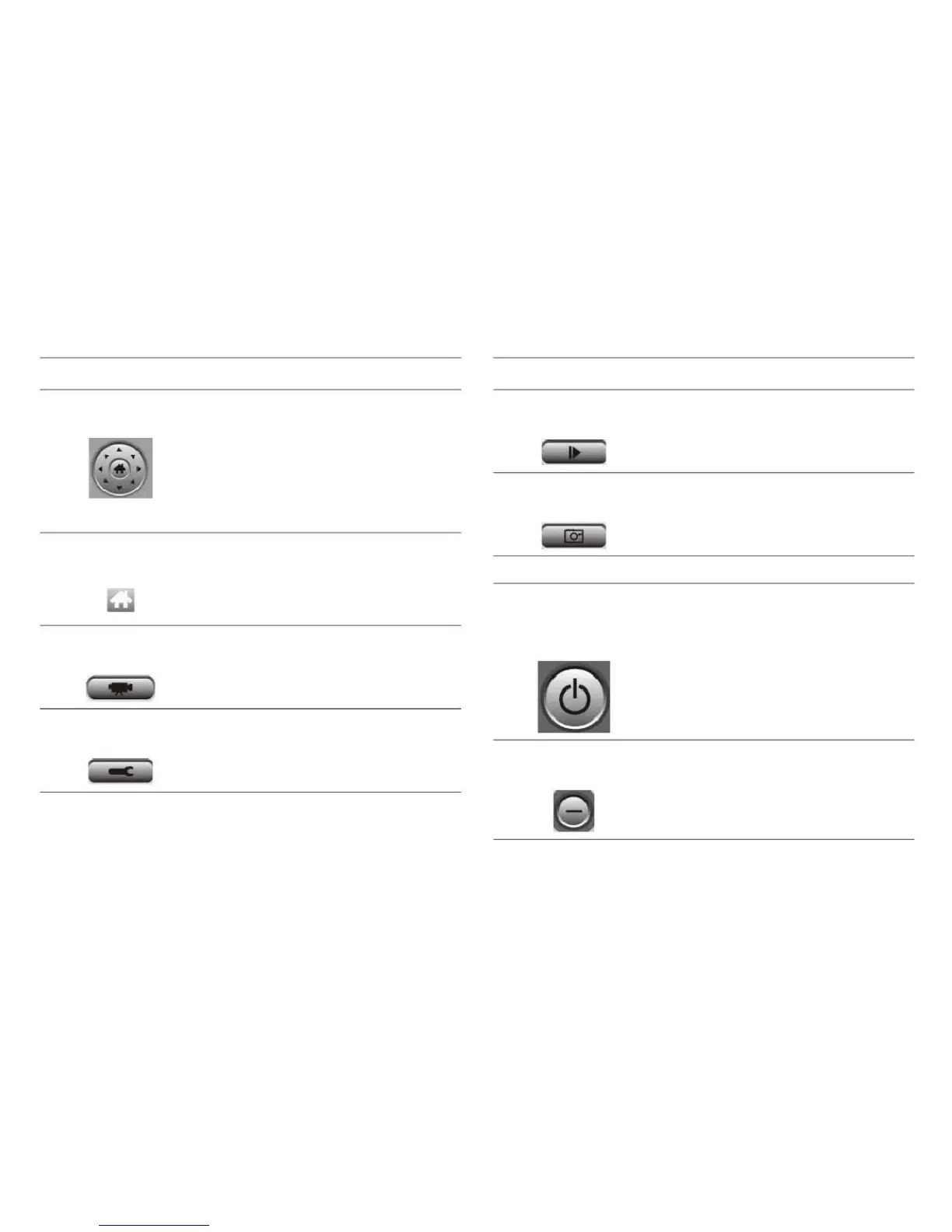
There are 8 directions in the PTZ
control ring. If the camera you con-
nect to supports PTZ, you can use
the PTZ control ring to change the
direction that camera points to.
This feature is only available for
supported cameras.
Click this button to return the cam-
era to the home, or default, posi-
tion. This function is only available
for supported cameras.
Play back a recorded video file.
Take a snapshot of current camera
image.
Displays all system messages.
Closes the network camera surveil-
lance software application.
Software and camera configura-
tion.
Minimizes network camera surveil-
lance software window.



 To Next Page